.svg)

Meet Visuan: blog & LinkedIn visuals in one click
Visuan is an AI content tool that turns a B2B article into branded blog visuals and a LinkedIn carousel in one click.

TL;DR
- Visuan turns a B2B article into branded blog visuals and a LinkedIn carousel in one click.
- It reads your full draft, pulls key points, and writes captions automatically.
- Your brand kit applies on its own, with no prompts or manual setup.
- Average generation time is about 20 seconds per article.
- Visuals come in layers, so you can edit one caption without regenerating the whole image.
- One click splits your blog visual into a LinkedIn carousel, exportable as a PDF.
- Built for content marketers and small teams without a designer on call.
- Free plan available.
Today we are launching Visuan, and here is the problem it solves. You finish a good article, then it stalls, because you still need visuals and that means an hour in Canva or a week in a designer's queue.
Visuan turns your draft into branded blog visuals and a LinkedIn carousel in one click. Paste it, click once, publish the same day.
What is Visuan?
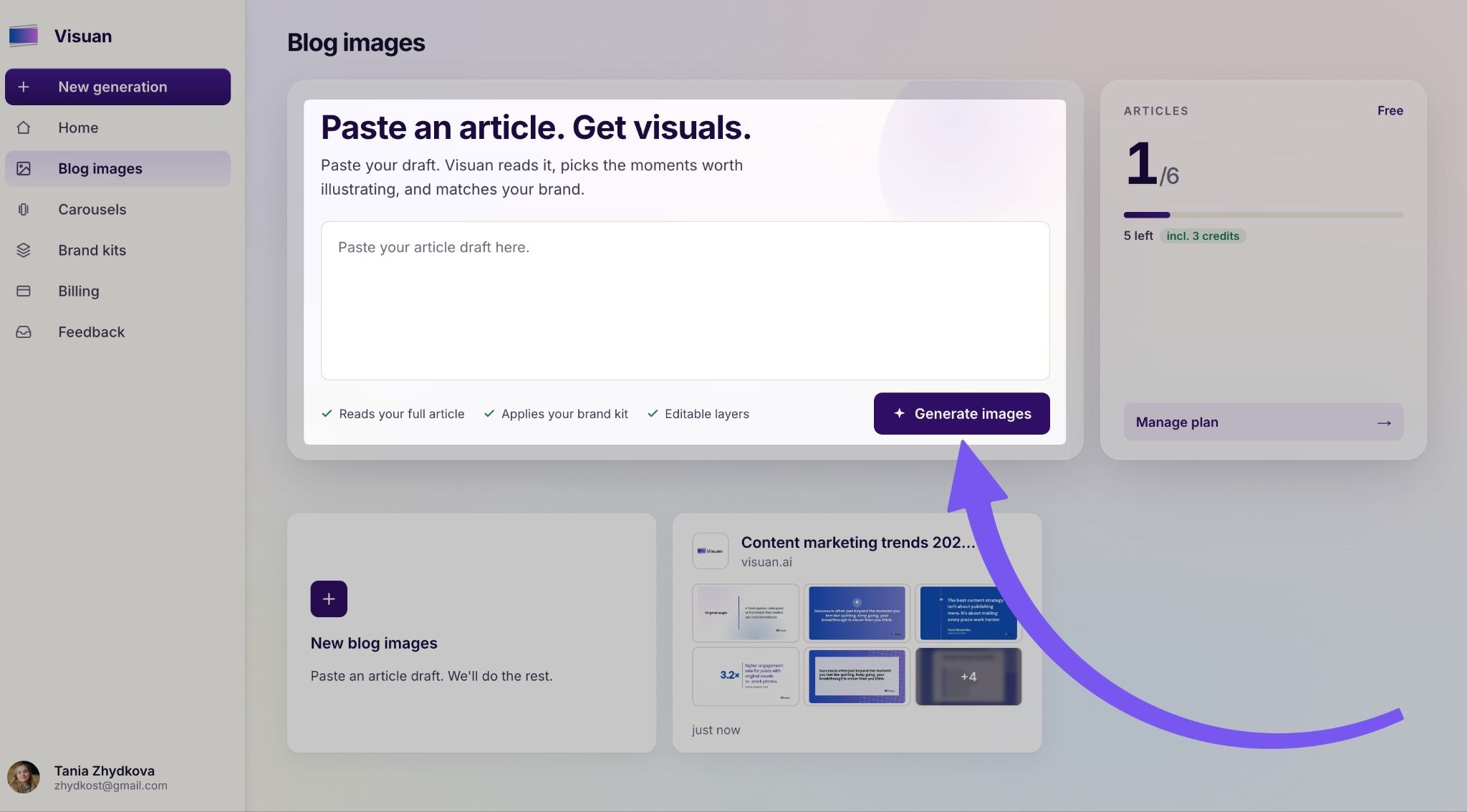
Visuan is an AI content tool that turns a B2B article into branded blog visuals and a LinkedIn carousel in one click. It reads your full draft and pulls the key points, then applies your brand kit automatically.
No prompts. No manual setup. You paste the article and the visuals come out in your brand style, ready to go with the post.
💡 Pro tip: Paste the full draft, not a summary. Visuan writes captions from your actual text, so the more it has to read, the sharper the captions come back.
Why does content design become a bottleneck?
Because writing is fast and design is slow, and the gap between them is where articles die. You finish a draft in the morning and it goes live a week later, once someone finds time to make the images.
The maths is brutal when you look at it directly. 2 hours in Canva per article, or a week in a designer's queue. Multiply that across everything you publish and design quietly becomes the reason your content calendar slips.
How does Visuan actually work?
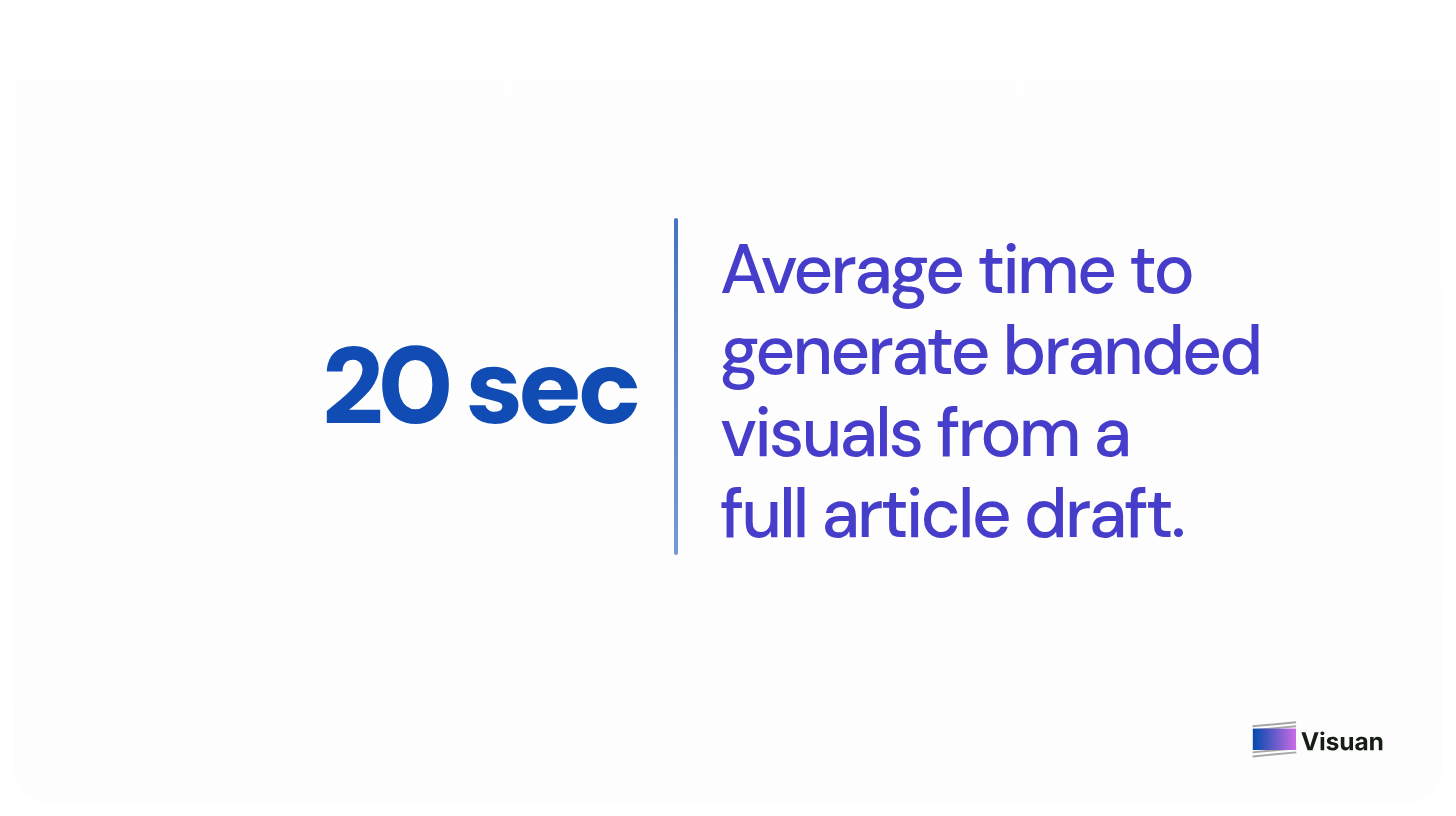
You paste a draft and Visuan reads the article to write a caption for each visual. It applies your brand kit automatically and delivers everything ready to publish. Average generation time is about 20 seconds.
Can you edit the visuals after they generate?
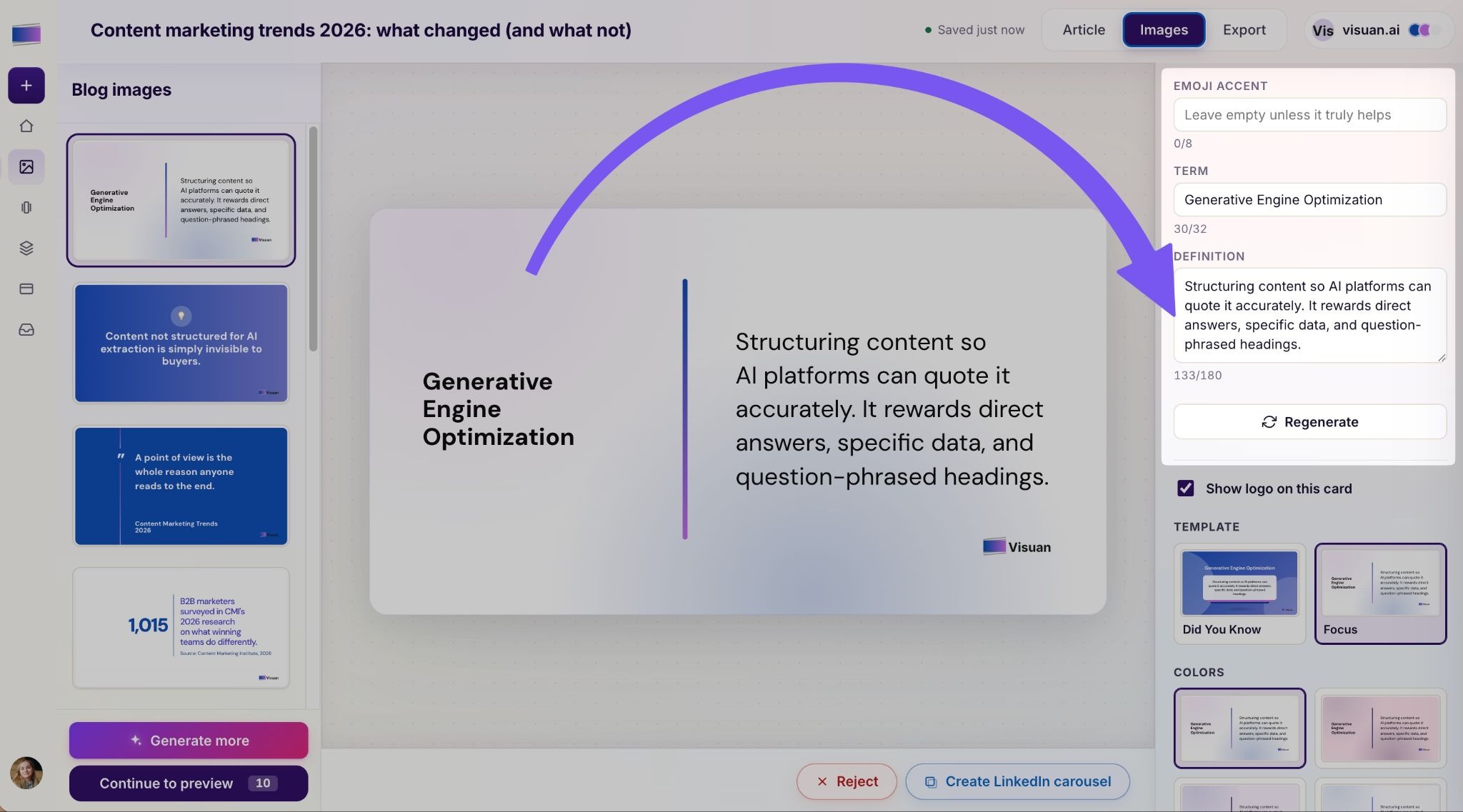
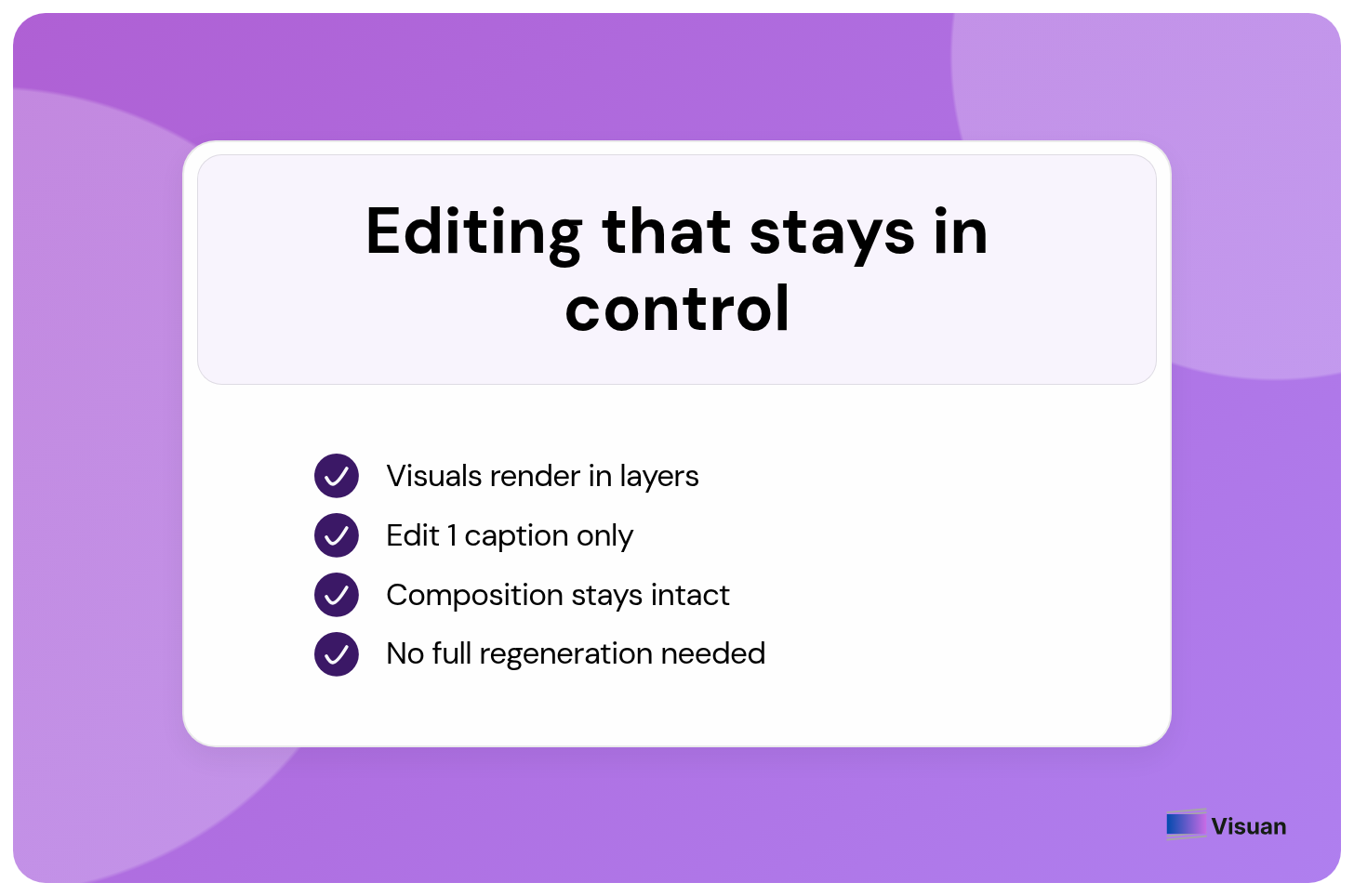
Yes. Every visual comes in layers, so you can change a caption or swap a stat and the rest of the image stays exactly as it was. You edit the one word you want to fix.
Most AI tools force a full regeneration when you touch a single line. You change a headline and the whole composition shifts, colours move, the thing you liked disappears. That is my frequent frustration with generative design.
Visuan skips that. Edit the text layer, keep the composition. Simple as that.
How do you repurpose an article for LinkedIn with Visuan?
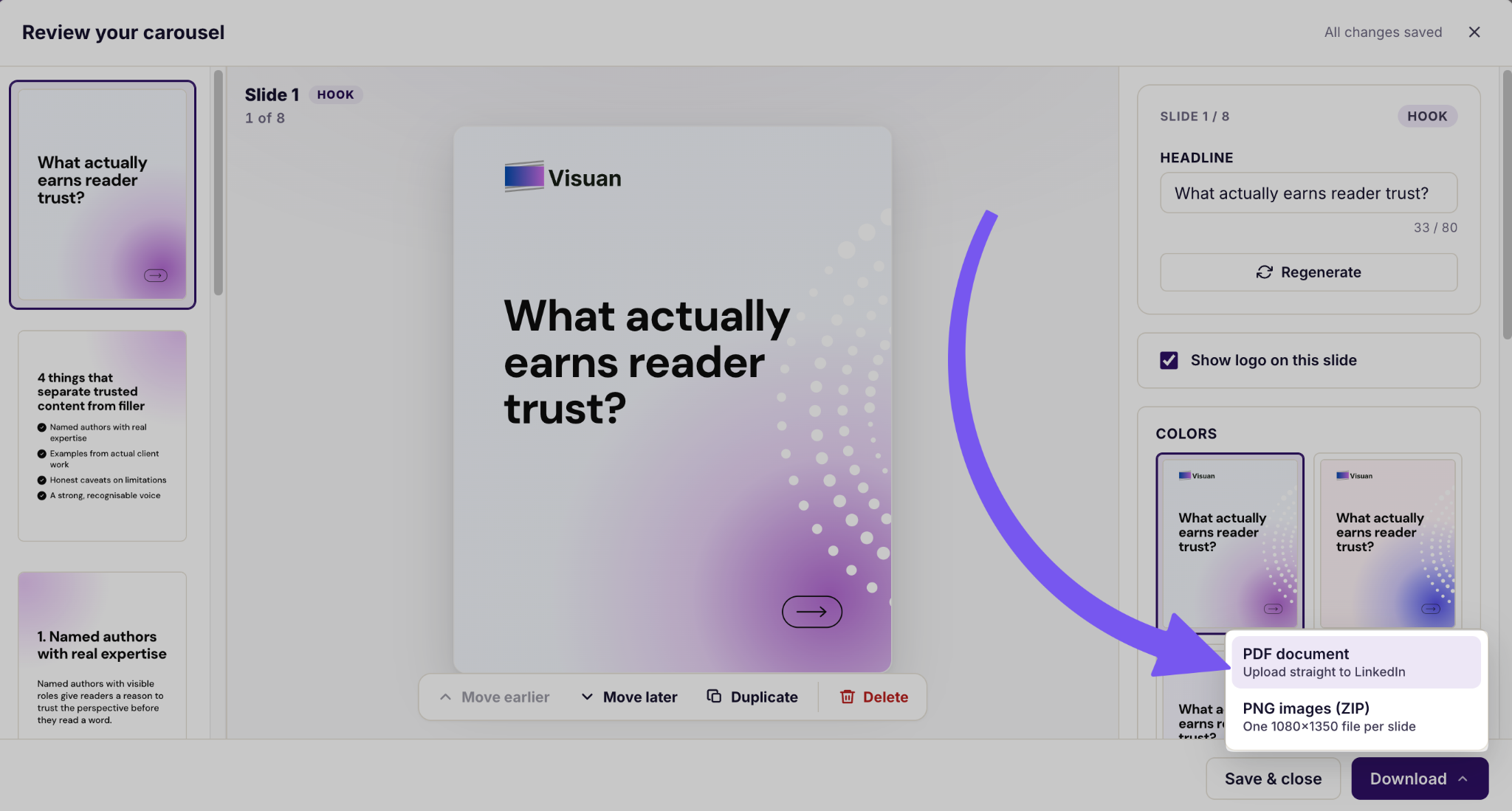
Click once and your blog visual splits into a carousel. You can export it as a PDF in LinkedIn's required format.
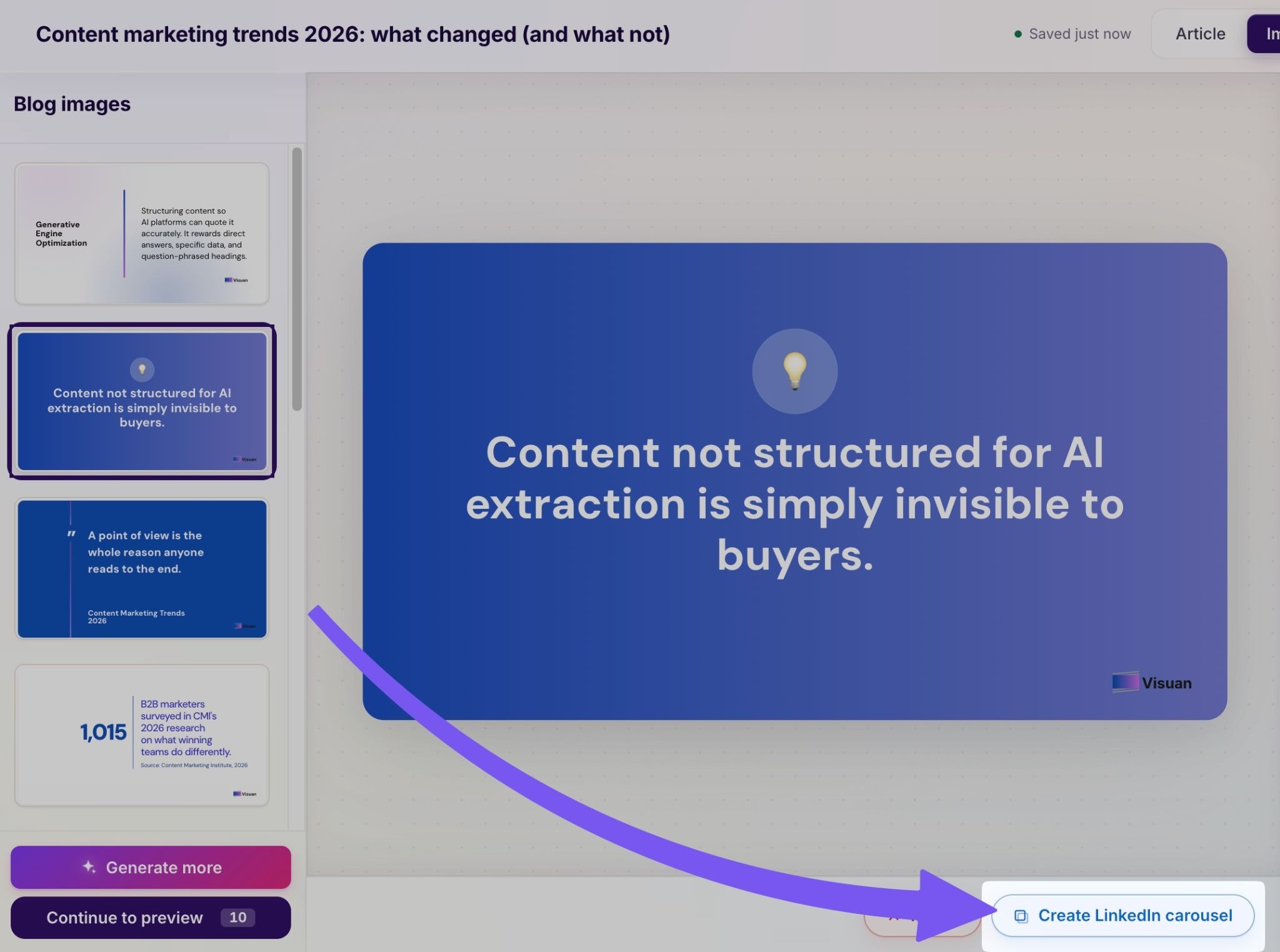
You write the article once, and the blog images and the LinkedIn carousel come straight out of that draft. You can finally forget about rebuilding carousels slide by slide at 9pm the night before you post.
Visuan vs the old way
Here is the honest comparison, laid out the way I see the modern B2B content marketing workflow.
Your designers get their time back for work that actually needs them. Visuan takes the routine blog and social images off their plate, so they can focus on things like a site redesign, creative ad campaigns or a brand refresh.
What does Visuan cost?
There is a free plan that covers 3 articles total with up to 10 visual packs each. Paid plans start at $39 a month for 8 articles, and the Pro plan runs $79 a month for 20 articles.
On the Pro plan that works out to around $3.95 per article. One early user put it plainly: she was paying $150 an article for visuals and now pays about $4. I love that!
Who is Visuan for?
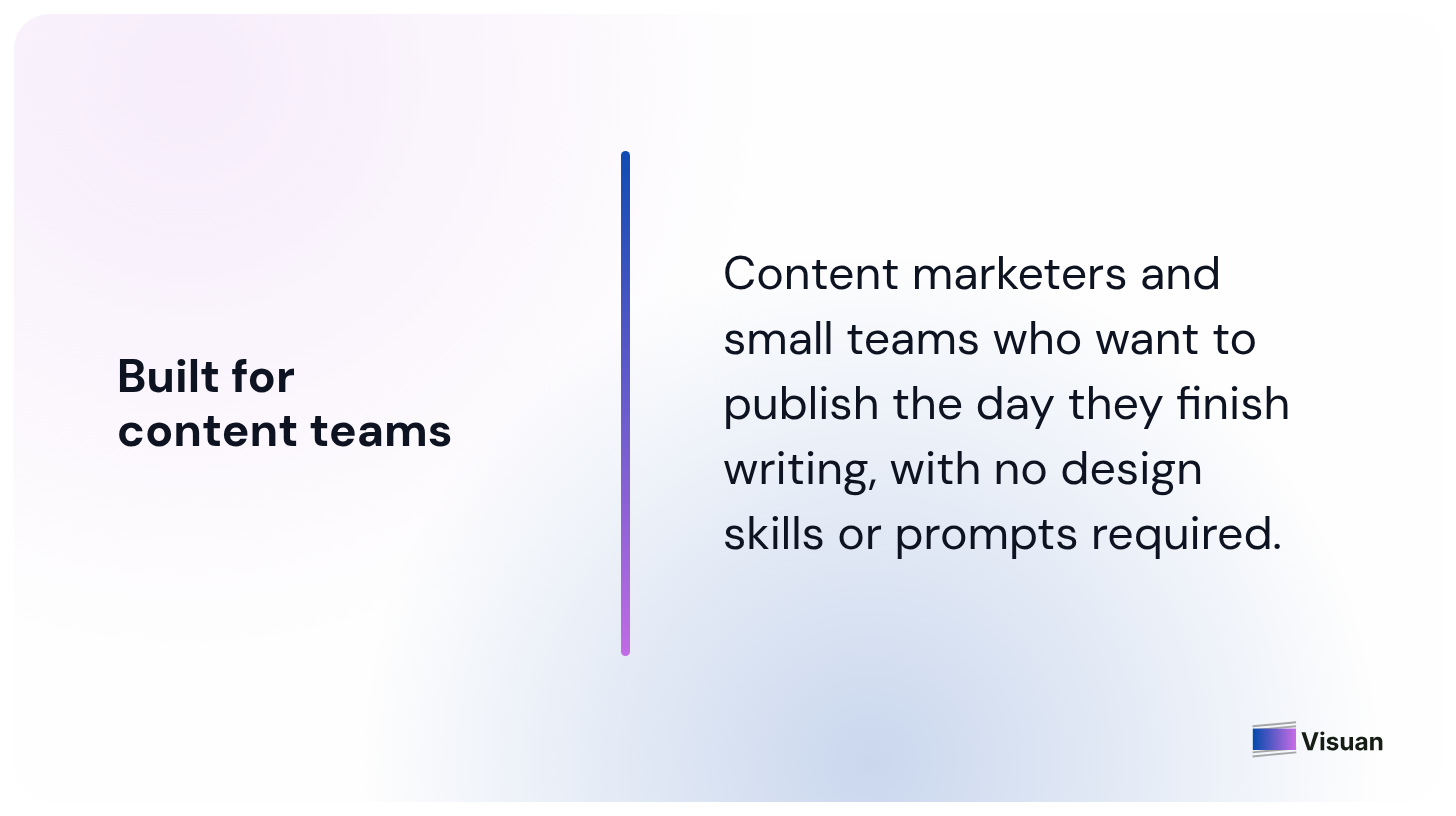
Content marketers who want to publish the day they finish writing, and small teams without a designer on call. If visuals are the reason your articles sit in a queue, this is built for you.
You do not need design skills and you do not need to write a prompt. Just set up your brand kit once, then anyone on the team can create on-brand visuals.🤌🏻
Try Visuan free
Visuals should never be the reason a good article stays unpublished. Paste your draft, click once, and publish the same day.
Start free with and see how it fits your workflow!
FAQ
What is Visuan?
Visuan is an AI content tool that turns a B2B article into branded blog visuals and a LinkedIn carousel in one click. It reads your full draft, pulls the key points, and applies your brand kit automatically.
How does Visuan work?
You paste a draft, and Visuan reads the article to write a caption for each visual. It applies your brand kit and delivers everything ready to publish, with an average generation time of about 20 seconds.
Do I need to write prompts or set anything up?
No. There are no prompts and no manual setup. You set up your brand kit once, then paste your article and the visuals come out in your brand style.
Can I edit the visuals after they generate?
Yes. Every visual comes in layers, so you can change a caption or swap a stat while the rest of the image stays exactly as it was. You edit only the word you want to fix, without a full regeneration.
How do I repurpose an article for LinkedIn?
Click once and your blog visual splits into a carousel. You can then export it as a PDF in the format LinkedIn requires.
How much does Visuan cost?
There is a free plan covering 3 articles total with up to 10 visual packs each. Paid plans start at $39 a month for 8 articles, and the Pro plan is $79 a month for 20 articles, which works out to around $3.95 per article.
Should I paste the full draft or a summary?
Paste the full draft. Visuan writes captions from your actual text, so the more it has to read, the sharper the captions come back.
Who is Visuan for?
Content marketers who want to publish the day they finish writing, and small teams without a designer on call. You do not need design skills, and anyone on the team can create on-brand visuals once the brand kit is set up.
.png)


Subscribe to the Visuan newsletter
Get product updates and content tips, straight to your inbox.