.svg)

How to repurpose blog content for social media (in a few clicks)
This playbook shows how to repurpose blog content for social media, from extracting the right points to designing the visuals, then shows how to automate it.

You have finished a strong blog post. Now comes the annoying part: turning the same ideas into social posts without rewriting everything from scratch.
This playbook shows how to repurpose blog content for social media manually, from extracting the right points to designing the visuals, then shows how to compress the same workflow with Visuan.
What does it mean to repurpose blog content for social media?
Repurposing blog content means taking useful ideas from an existing article and adapting them into formats people can consume directly on social media.
The important word here is adapting .
Copying the introduction of your article into LinkedIn rarely makes a strong post. Blog readers have already chosen to open your article. Someone scrolling LinkedIn has given you approximately zero commitment.
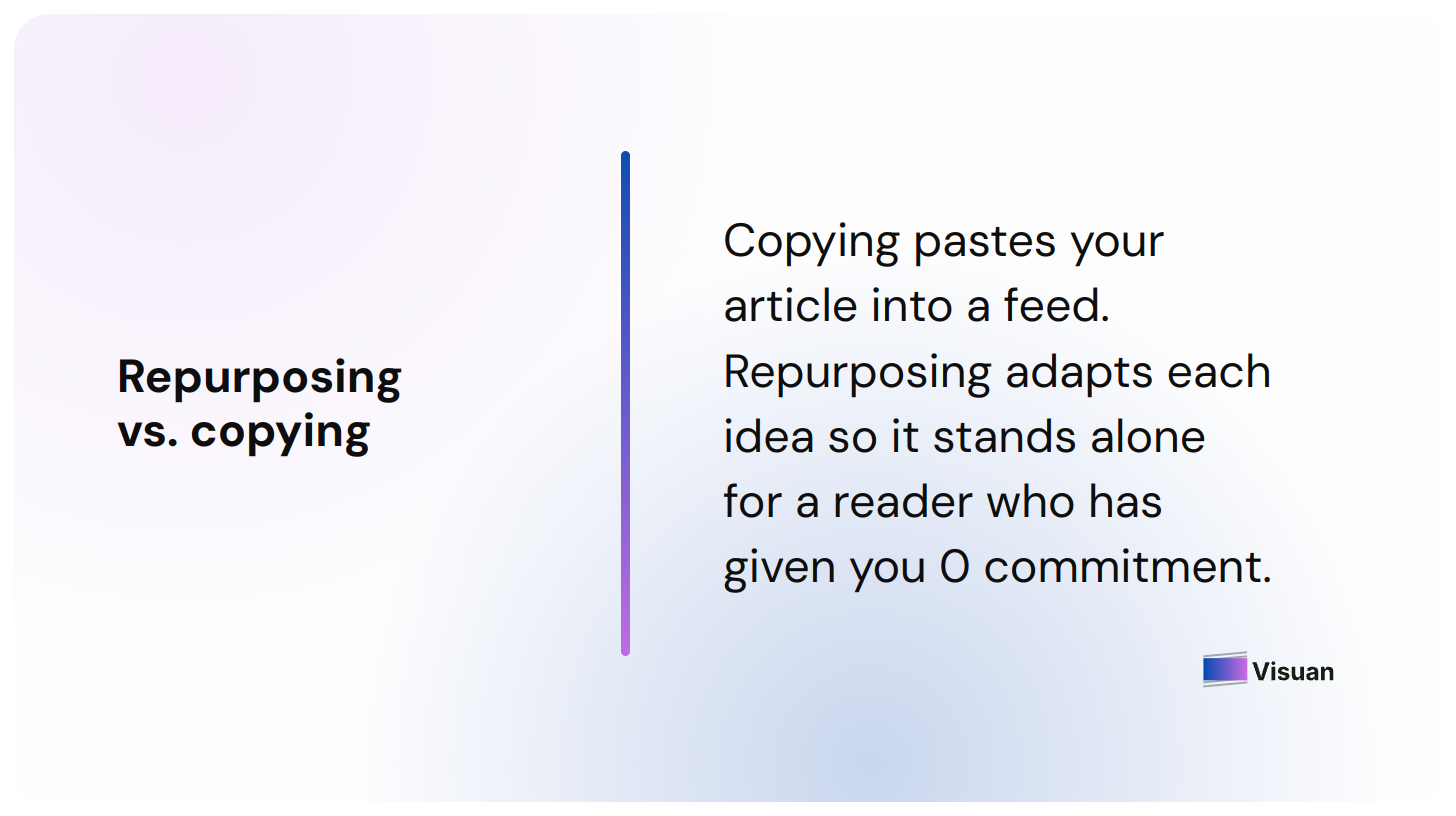
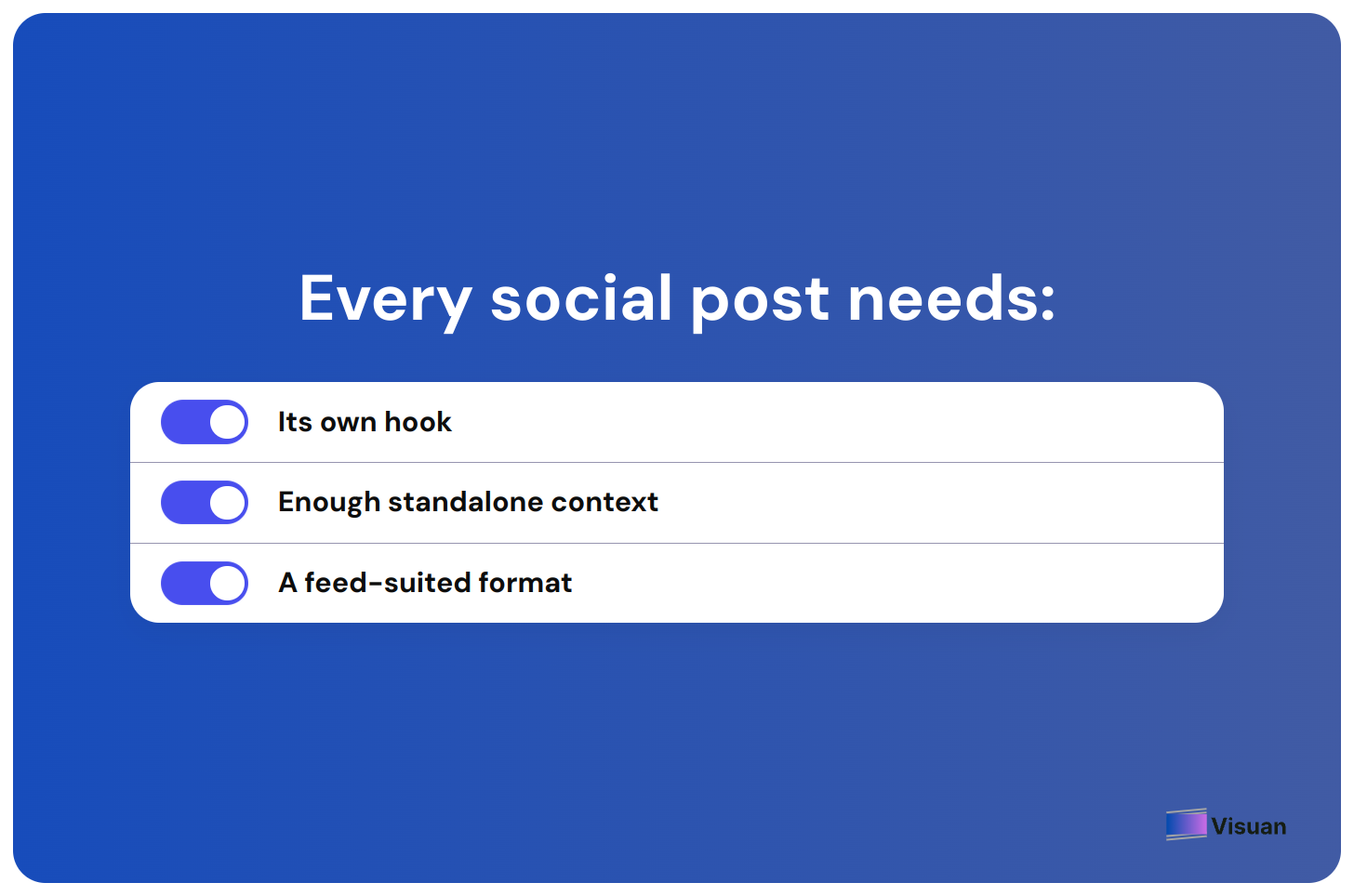
Your social post needs its own hook, enough context to make sense independently, and a format suited to the feed.
A detailed B2B article can often give you enough material for several posts. One section might become a text post. A framework could become a carousel. A useful chart or comparison might work better as a single visual.
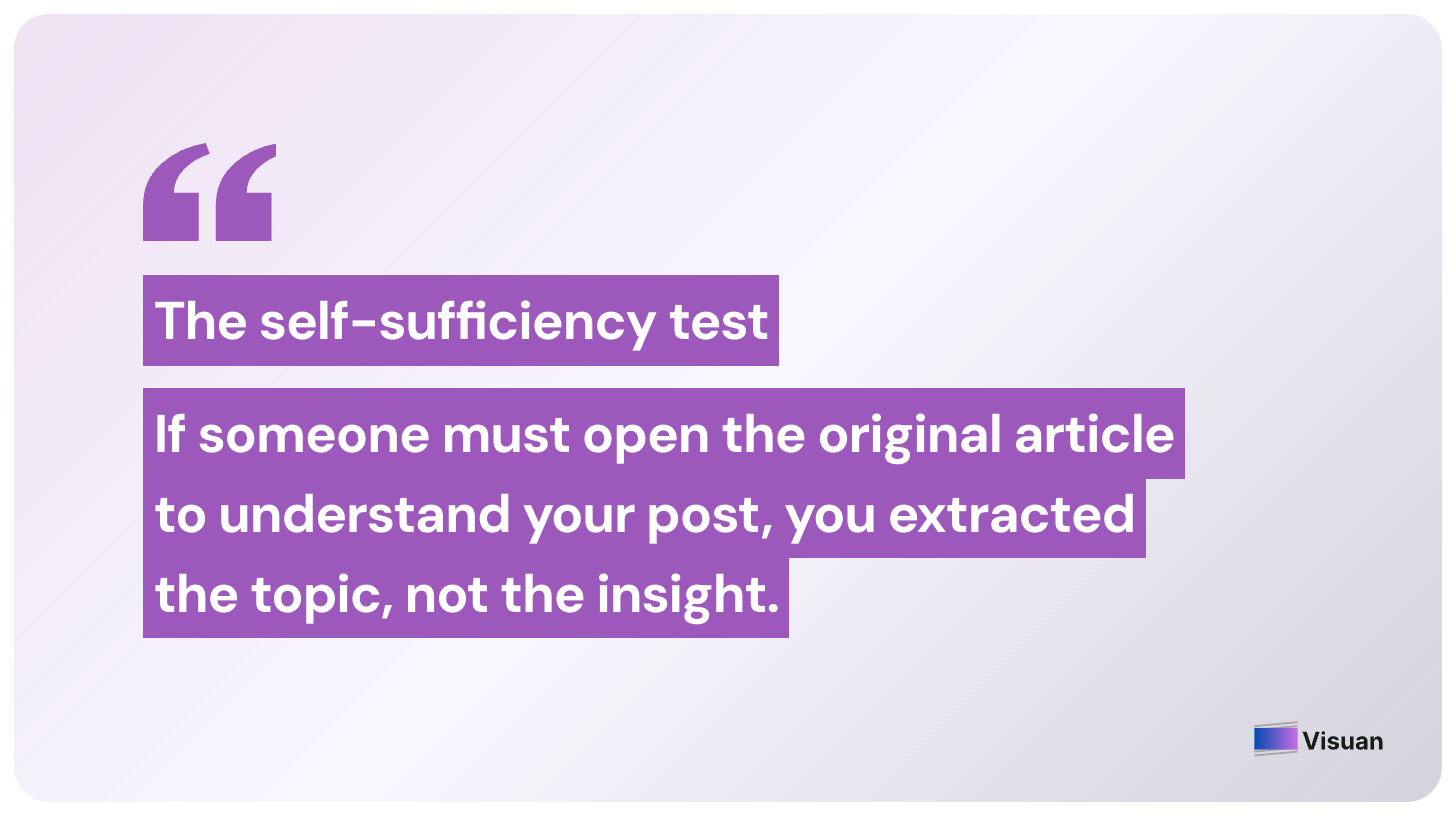
💡 My rule is simple: if someone needs to open the original article to understand your social post, you have probably extracted the topic rather than the actual insight. So how do you repurpose content properly?
Step 1: Pull the strongest ideas out of your article
Start by reading the finished article again, this time as a social media editor.
You are no longer checking whether the argument flows from introduction to conclusion. You are looking for sections that can survive outside the article.
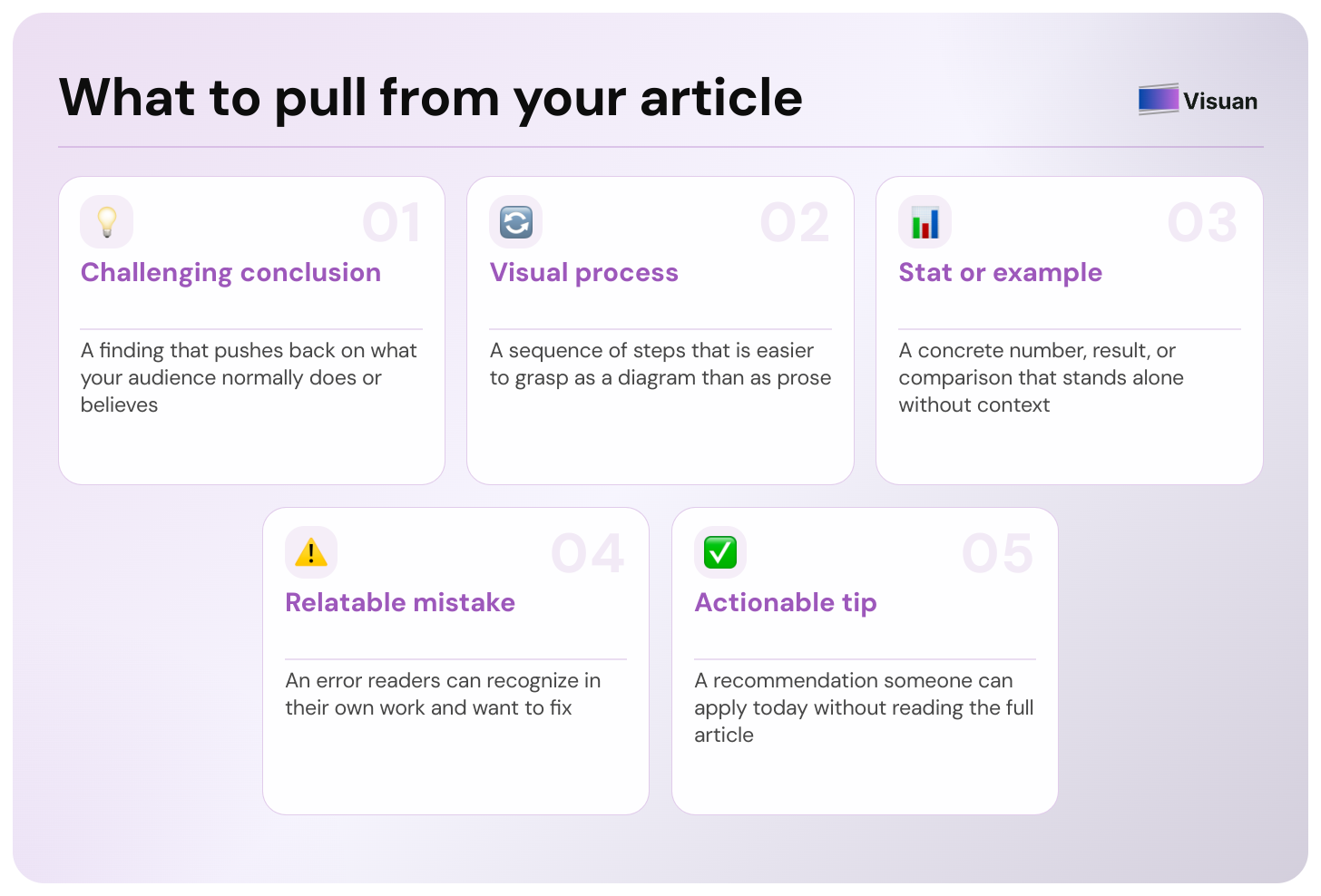
I usually look for:
- A useful conclusion that challenges what your audience commonly does.
- A process that can be explained visually.
- A specific example, result, statistic, or comparison.
- A mistake readers can recognize in their own work.
- A practical recommendation someone could use today.
Imagine you have published an article called How to Measure B2B Content ROI .
The full article may explain attribution, metrics, reporting, and common mistakes.
You could pull one social post from the section about misleading traffic metrics. Another could explain the reporting process. A third could turn your measurement framework into a carousel.
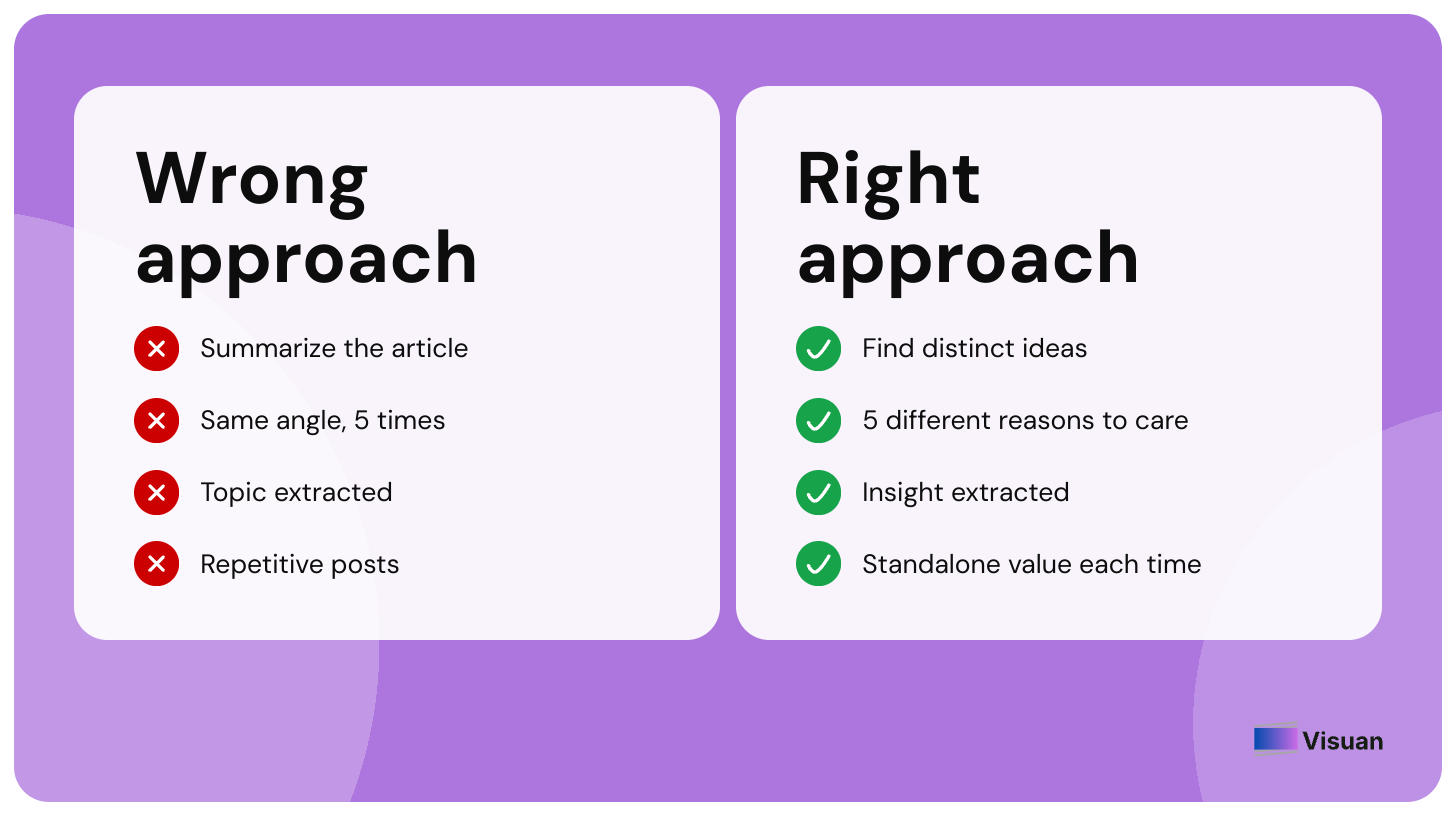
You are still discussing the same subject. Each post gives the reader a different reason to care.
This is where many attempts to repurpose blog content go wrong. The marketer summarizes the whole article five times instead of finding five distinct ideas inside it.
Step 2: Give every social post one clear point
Once you have your ideas, choose one takeaway for each post.
Do this before writing hooks or opening your design tool.
If you cannot describe the point of the post in one sentence, it probably contains too much.

For example, suppose your article argues that content teams should connect blog reporting to pipeline instead of relying heavily on page views.
The social post does not need your entire measurement framework.
Its point could simply be:
"A blog post with 10,000 visits can be less valuable than one with 500 visits if the second one consistently brings qualified prospects into the pipeline.”
Now you have something you can build around.
You might explain why the comparison matters in a text post. You could turn it into a branded visual. Or you could use it as slide one of a carousel about choosing better content metrics.
The original blog post becomes your research base. The social post becomes its own piece of content.
Step 3: Rewrite the idea for someone scrolling a feed
A blog heading and a social media hook have different jobs.
A heading such as “How to measure content performance works perfectly well” inside an article because the reader already knows what they are reading.
On LinkedIn, it gives them very little reason to stop.
A stronger version might be:
"Your most visited blog post may be one of your least valuable.”
Now you have tension. The next lines can explain why.
You can also lead with a concrete situation:
"Your monthly report says organic traffic grew 28%. Your CEO asks how much pipeline it generated. What do you show next?”
Both versions come from the same article. Neither requires you to invent a new topic.
This is the part of repurposing that still deserves human attention. Your article can tell you what matters. You need to decide why someone scrolling today should care about it.
💡 Pro tip: Write the social hook after you have chosen the exact takeaway. Starting with ten clever hooks and trying to attach ideas to them later usually creates vague posts.
Step 4: Choose the format that fits the idea
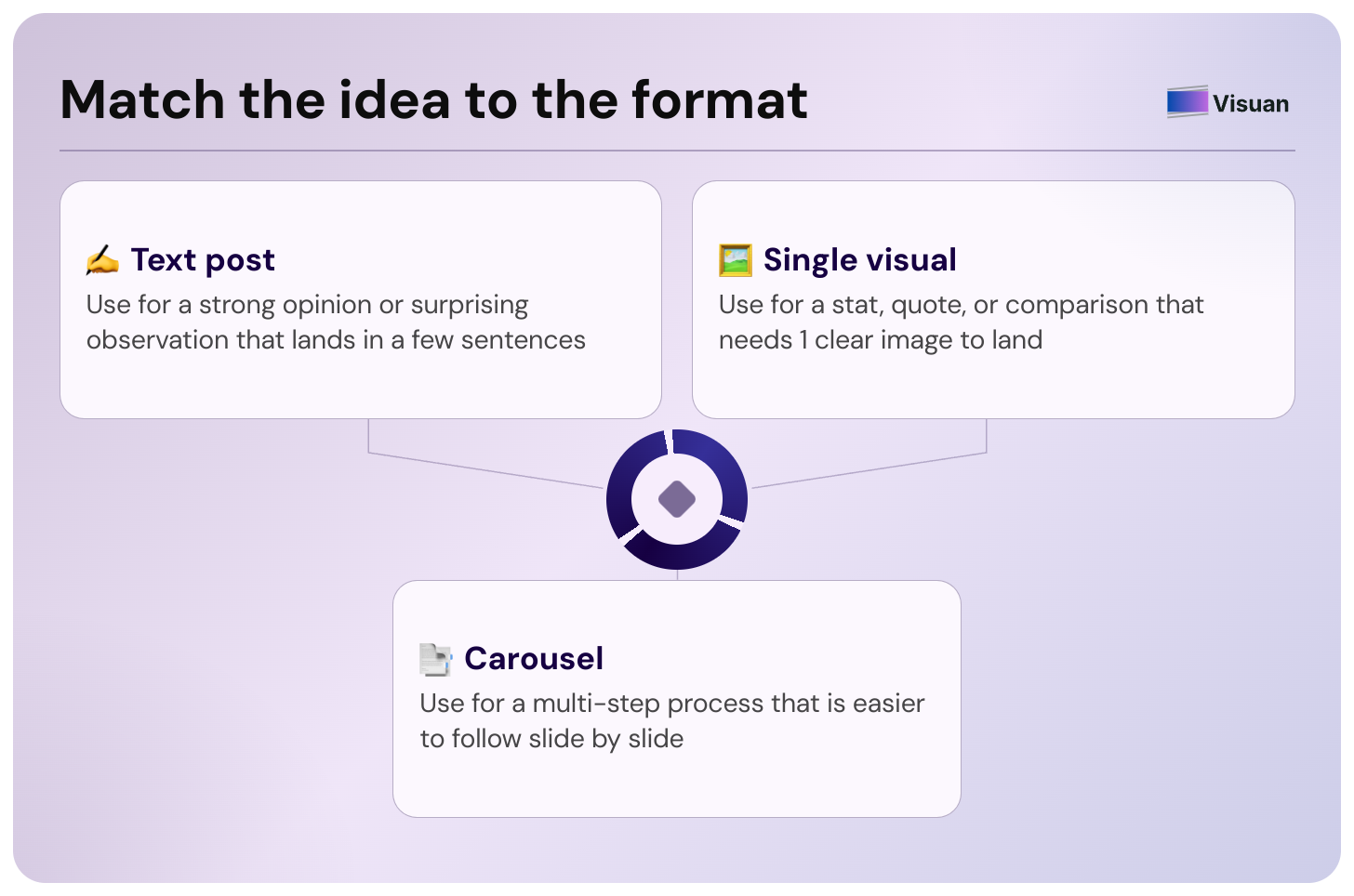
You do not need to turn every section into a carousel. Match the format to the amount of explanation the idea needs.
- A strong opinion or surprising observation may work as a text post.
- A statistic, quote, or simple comparison may need one visual.
- A process with several connected steps is easier to understand as a carousel.
This matters particularly on LinkedIn. Socialinsider's Q2 2026 benchmark found average engagement rates of 6.9% for multi image posts and 6.6% for native document posts, ahead of video, single images, text, polls, and link posts during that quarter. The study analyzed LinkedIn business pages, so treat the numbers as a benchmark rather than a guarantee for your own audience. (Socialinsider)
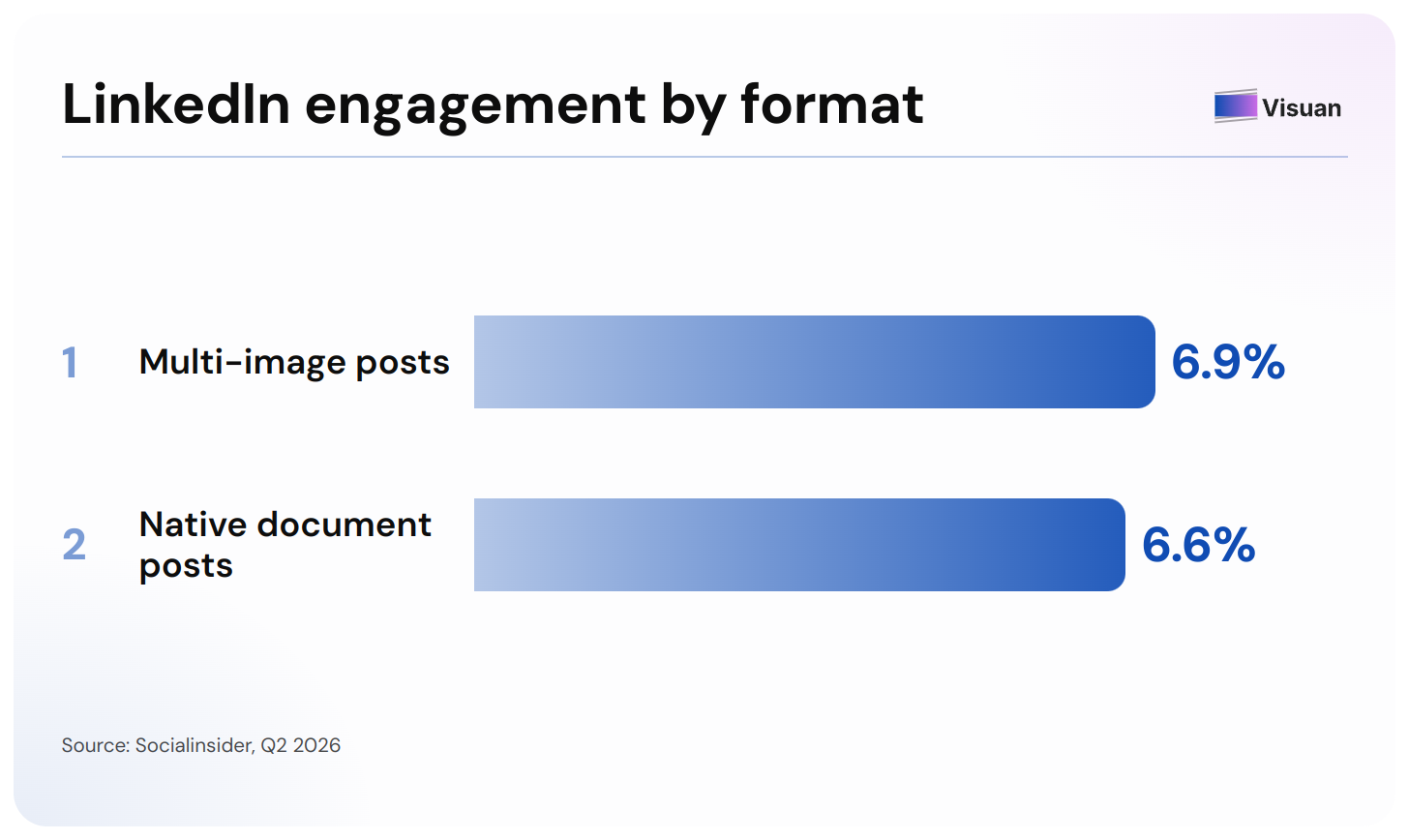
The useful lesson is simpler: repurposing gives you an opportunity to turn ideas that were buried inside a long article into visual formats people can consume directly in their feed.
Step 5: Build your social post
Now comes the manual production work.
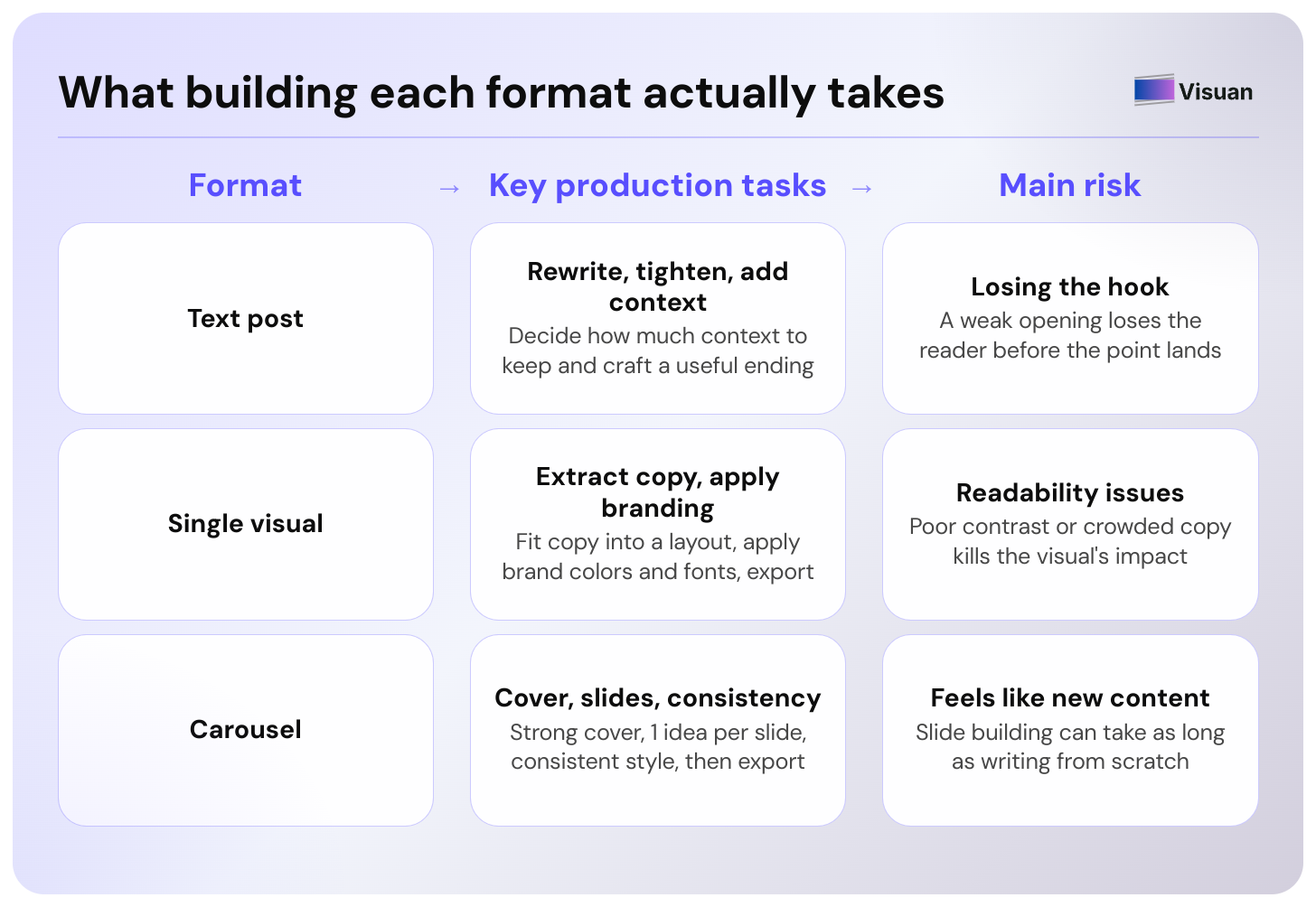
- For a text post, you need to rewrite the idea, tighten the opening, decide how much context to keep, and add a useful ending.
- For a visual, you also need to extract the right copy, fit it into a layout, apply your brand colors and fonts, check readability, and export it.
A carousel adds another layer.
You need a cover strong enough to earn the first swipe. Then you have to decide which idea belongs on each slide, shorten the copy, maintain visual consistency, and export the finished document.
This is usually where content repurposing stops feeling like repurposing and starts feeling suspiciously like creating another asset from scratch.
You already did the difficult thinking while writing the article. Yet you can still spend a large part of the afternoon moving text boxes around.
What can one blog post become during a week?
You do not need seven completely different ideas to create a week of content.
Five useful posts are enough for a standard working week, assuming the article contains enough substance to support them.
For example, here is how I would repurpose the hypothetical B2B content ROI article.
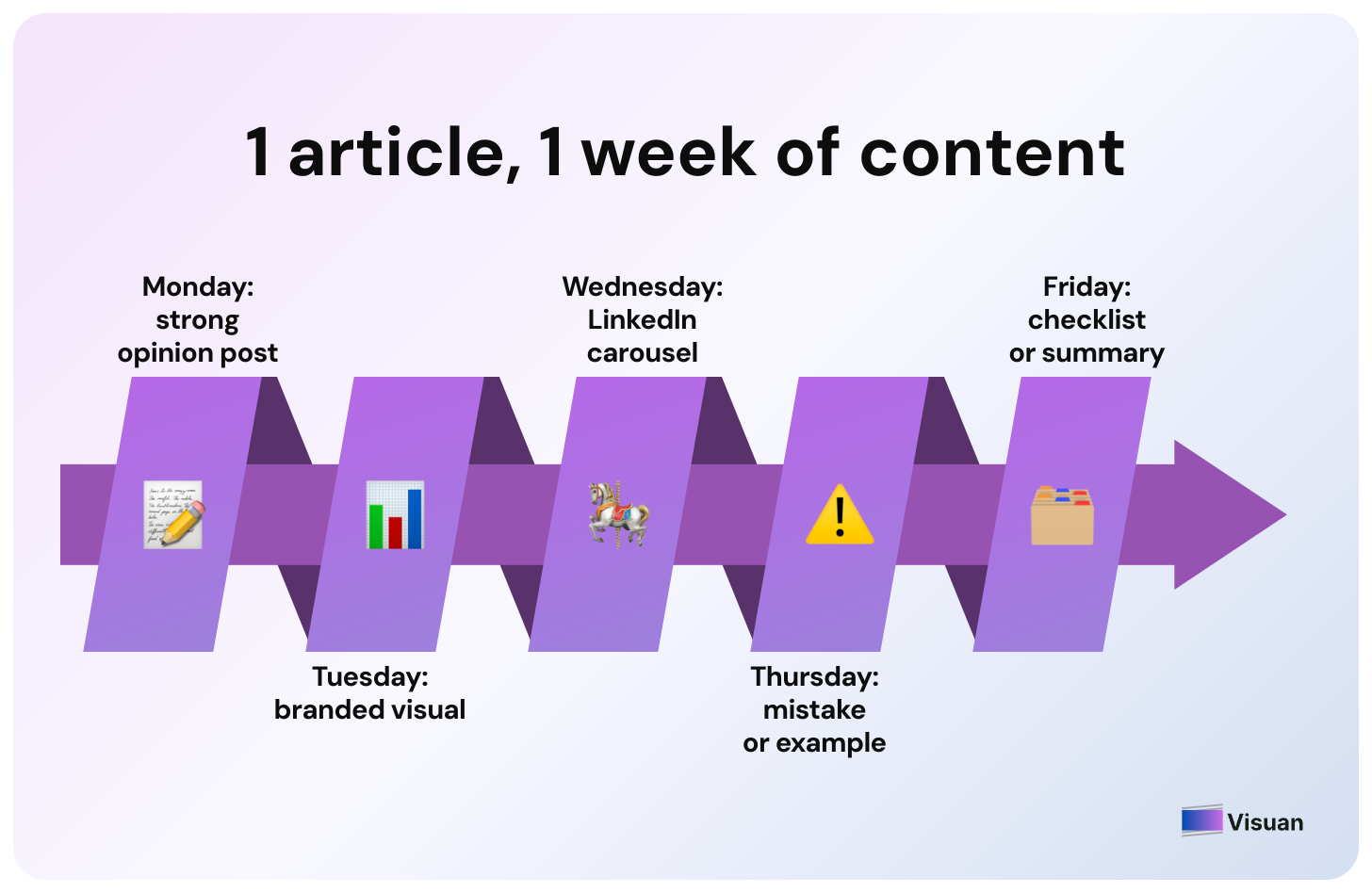
- Monday: Publish a text post around the strongest opinion from the article. In our example, that could be why traffic alone gives an incomplete picture of content performance.
- Tuesday: Turn a useful metric, chart, or comparison into a branded visual. The caption can add the context that would otherwise surround it in the blog.
- Wednesday: Take the article's main process and turn it into a LinkedIn carousel. Keep one main idea on each slide.
- Thursday: Pull out one mistake or practical example and write it as a standalone post.
- Friday: Return to the broader framework. Turn it into a checklist, visual summary, or second carousel that readers can save.
Next week, you can move to another article instead of stretching the same source until every post feels identical.
That is the goal of repurposing: get more distribution from work you have already done while preserving enough quality that each piece deserves to exist.
How to repurpose blog content with Visuan
The manual workflow works. It also contains a lot of repetitive production work.
That is the part we built Visuan to handle.
Visuan is an AI tool for B2B content teams that turns a finished article into branded blog visuals and LinkedIn content.
You paste your article into Visuan. The tool reads the full text, pulls out visual worthy points, and generates visuals with captions based on the article. Your brand kit applies your logo, colors, and fonts automatically.
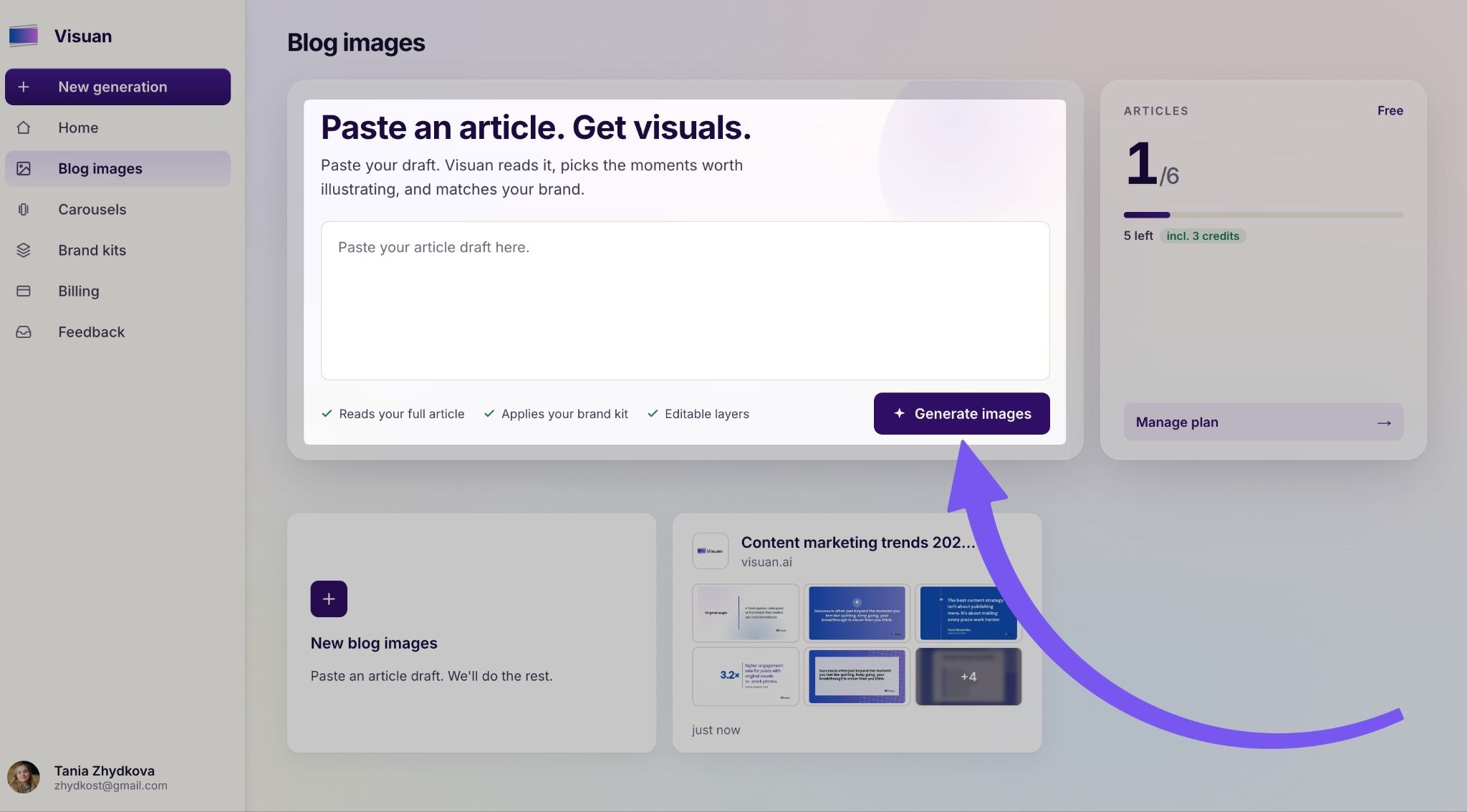
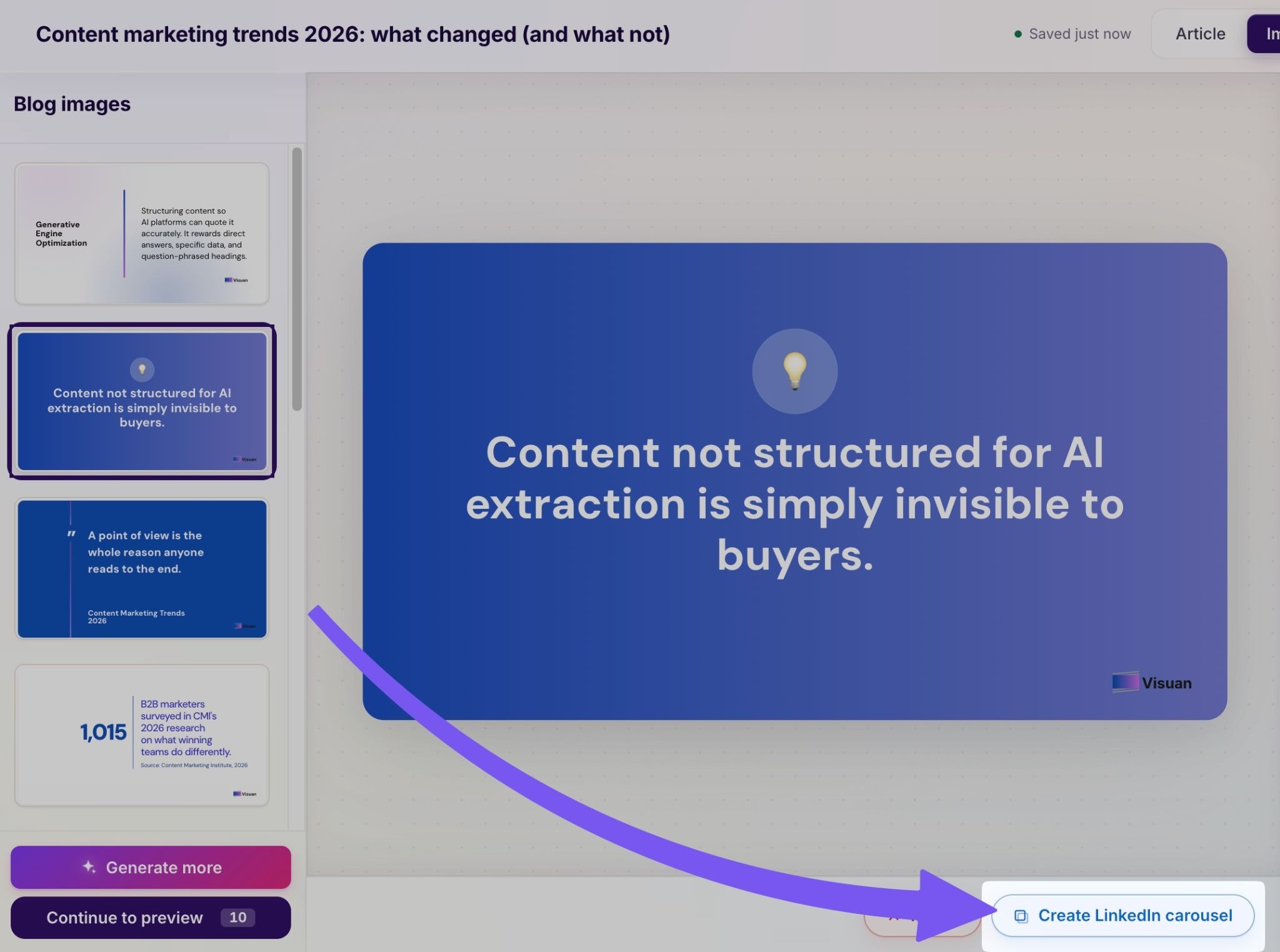
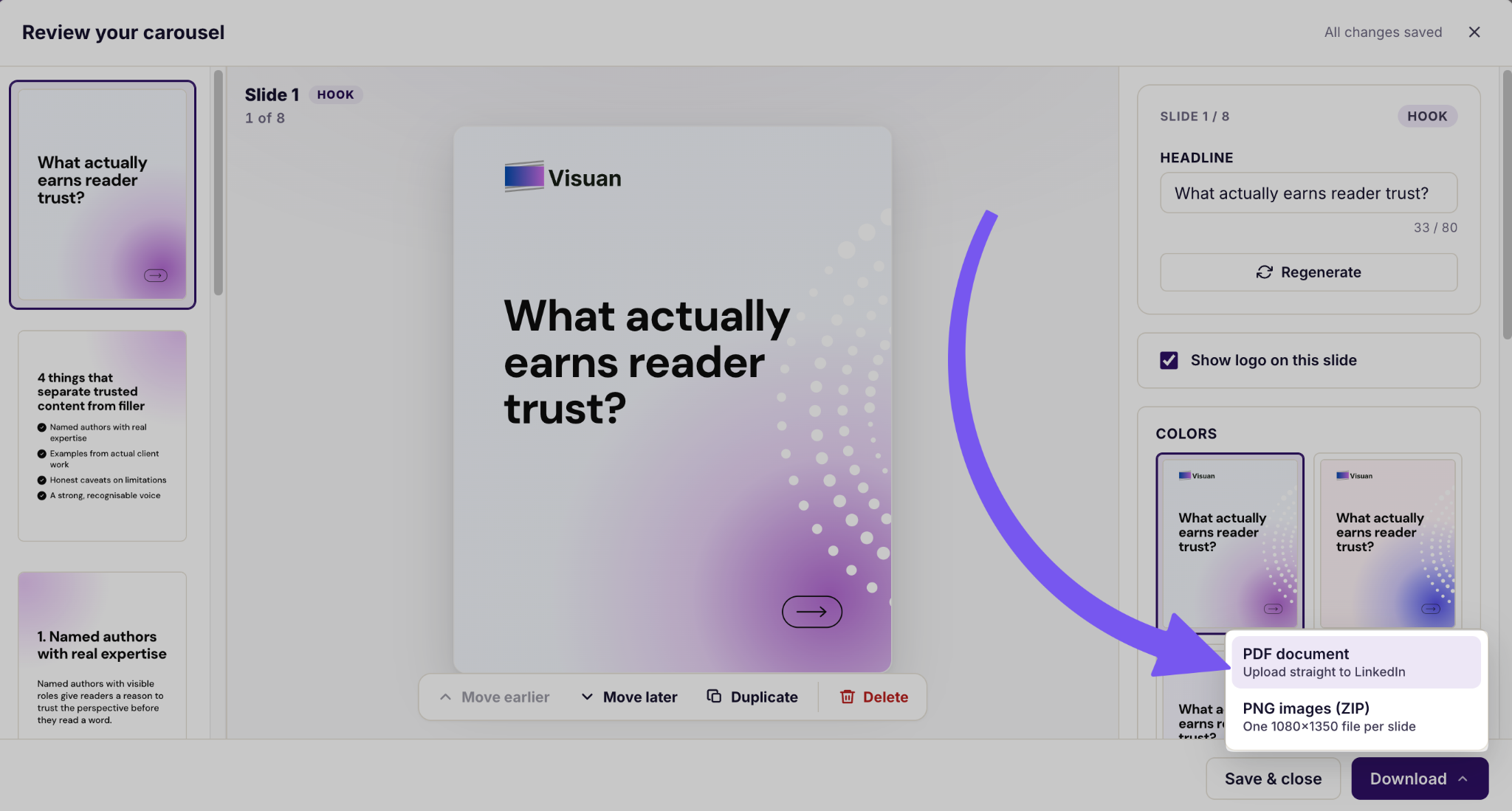
You can then turn the content into LinkedIn posts and carousels. The carousel can be exported as a PDF ready for LinkedIn. Text stays editable, so you can change a headline or statistic without regenerating the entire visual.
That changes the workflow quite dramatically.
You still decide whether an insight is worth publishing. You still review the hook. You still make sure the generated post sounds like you.
You can skip much of the extraction, formatting, branding, and slide building.
In one test shown on the Visuan website, a 1,800 word draft produced eight blog visuals and five LinkedIn carousels in 40 seconds:
I find that much more interesting than generating random social posts from a one sentence prompt. Your article already contains your research and reasoning. Repurposing should preserve that work.
What should you edit before publishing repurposed content?
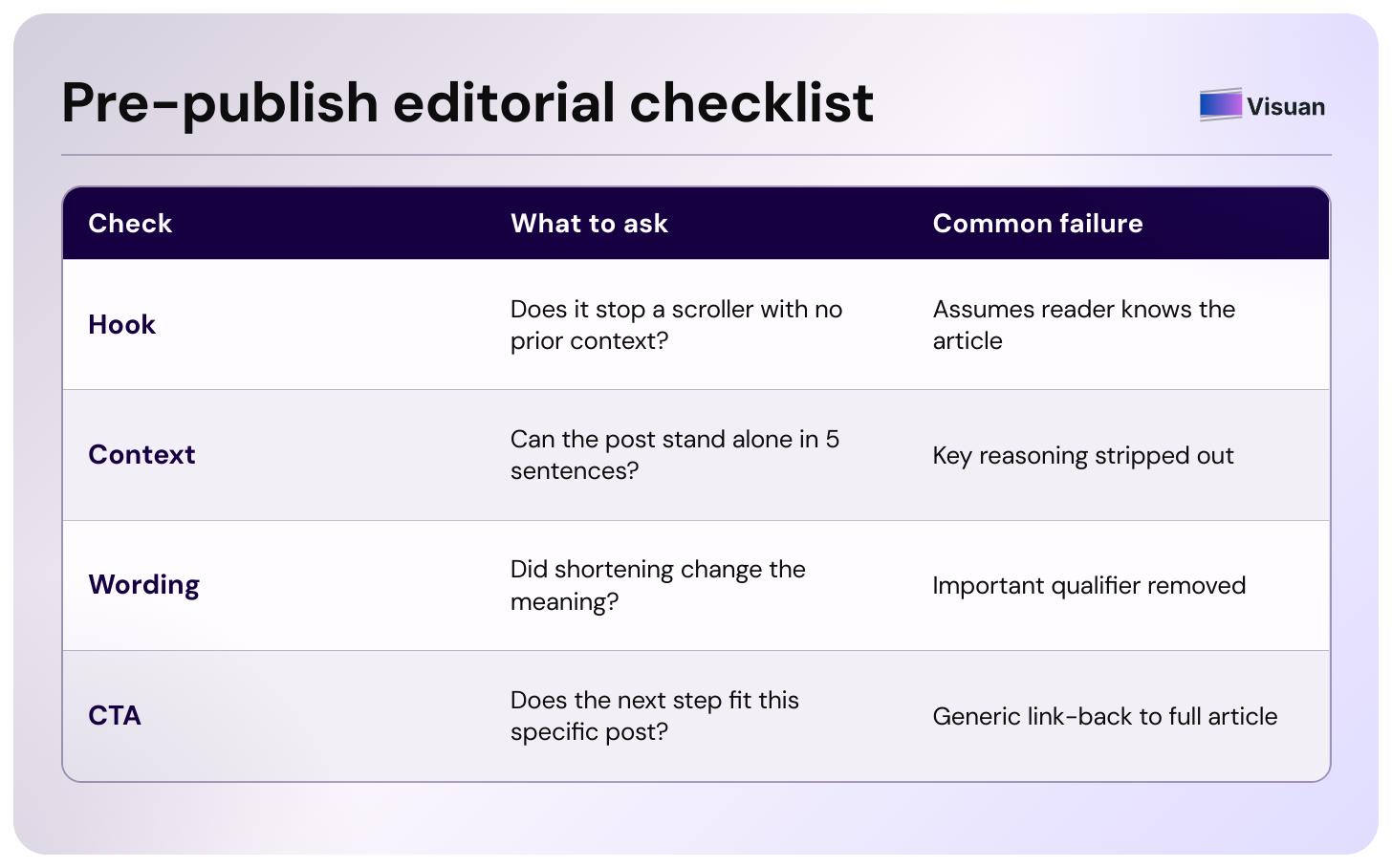
Automation can shorten production. Your final editorial check still matters. Before publishing, review:
- The hook. Does it give someone a reason to stop without requiring knowledge of the original article?
- The context. A point that felt obvious after 800 words of explanation may feel unsupported in a five sentence LinkedIn post. Add enough context for it to stand on its own.
- The wording. Check that shortening the original idea has not changed its meaning or removed an important qualification.
- The CTA. Make sure the next step fits the post.
Sending everyone back to the article is rarely necessary. Some posts can deliver the full takeaway inside LinkedIn. Others can naturally point readers toward the deeper article, a product page, or another useful resource.
The destination should follow the reader's intent.
A person reading a practical tip may want more detail. Someone reading a product workflow may already be ready to see how the tool works.
Should you repurpose every blog post?
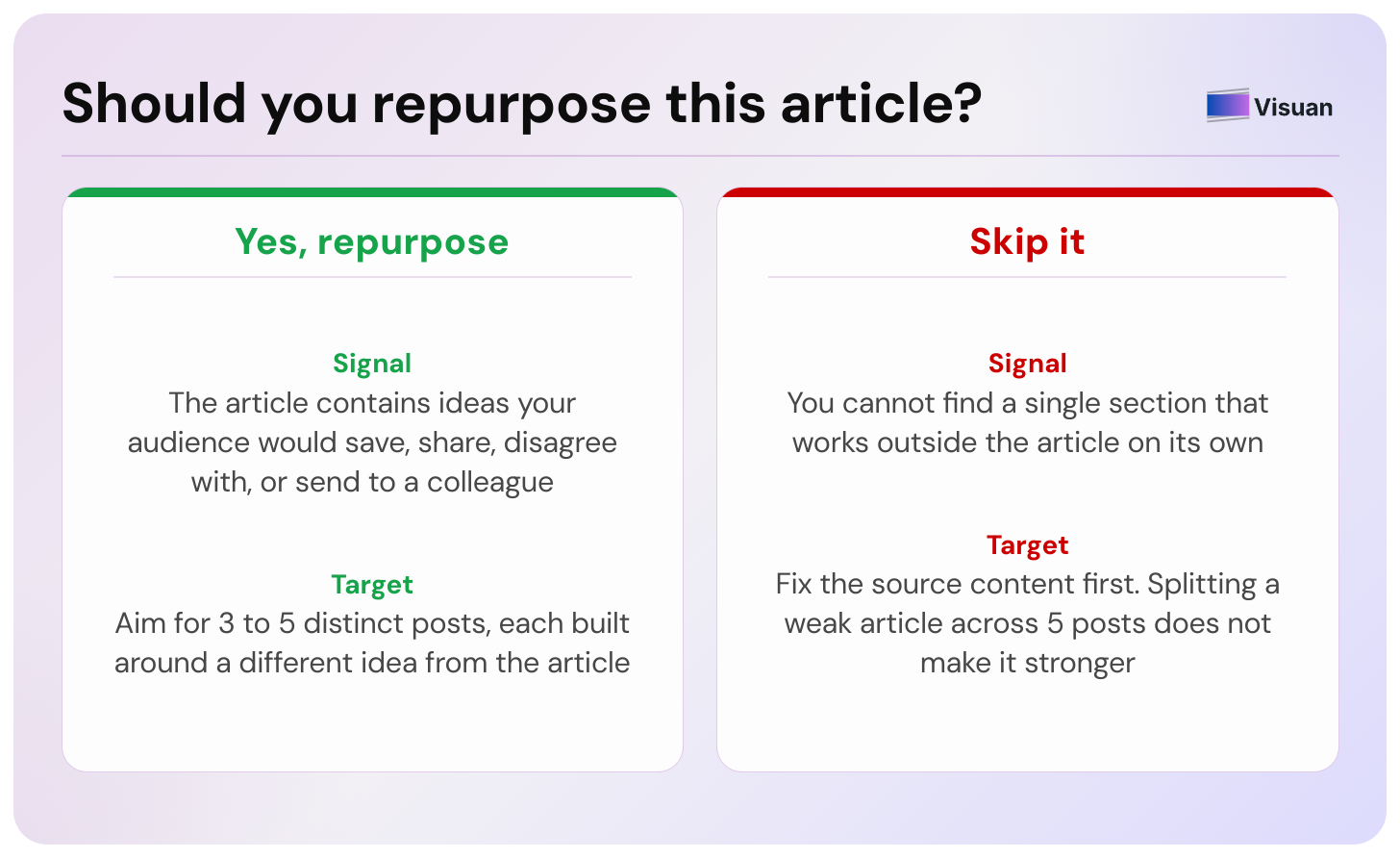
Repurpose articles that contain ideas worth distributing independently.
A strong article usually gives you plenty to work with. A weak article does not become useful because you split it across five LinkedIn posts.
Before repurposing, ask yourself whether the article contains something your audience would save, disagree with, use, or send to a colleague.
If you struggle to find a single section that works outside the article, the problem may be the source content.
This is also why I would avoid deciding in advance that every article must produce exactly ten social posts. Content volume is a poor target when you have run out of meaningful ideas.
Three strong posts can do more for you than ten increasingly thin summaries of the same paragraph.
How do you repurpose a blog post for LinkedIn?
Start with one standalone insight from the article and rewrite it around the LinkedIn reader.
- For a regular post , lead with the most interesting conclusion and explain enough of the reasoning for the post to make sense on its own.
- For a carousel , choose one larger idea that can be divided into a clear sequence. Give the first slide a strong claim, keep each following slide focused, then end with a useful conclusion or next step.
If designing the carousel manually is the part slowing you down, Visuan can generate branded LinkedIn carousels directly from the article and export them as PDFs.
How often can you reuse the same blog content?
There is no useful universal number.
Keep repurposing while you still have distinct ideas and formats to explore.
A long research article may support content for several weeks. A short tactical post may give you two good social posts.
Your article has already done most of the hard work
A useful blog post contains research, examples, arguments, and practical advice. Leaving all of that inside one URL wastes a lot of good material.
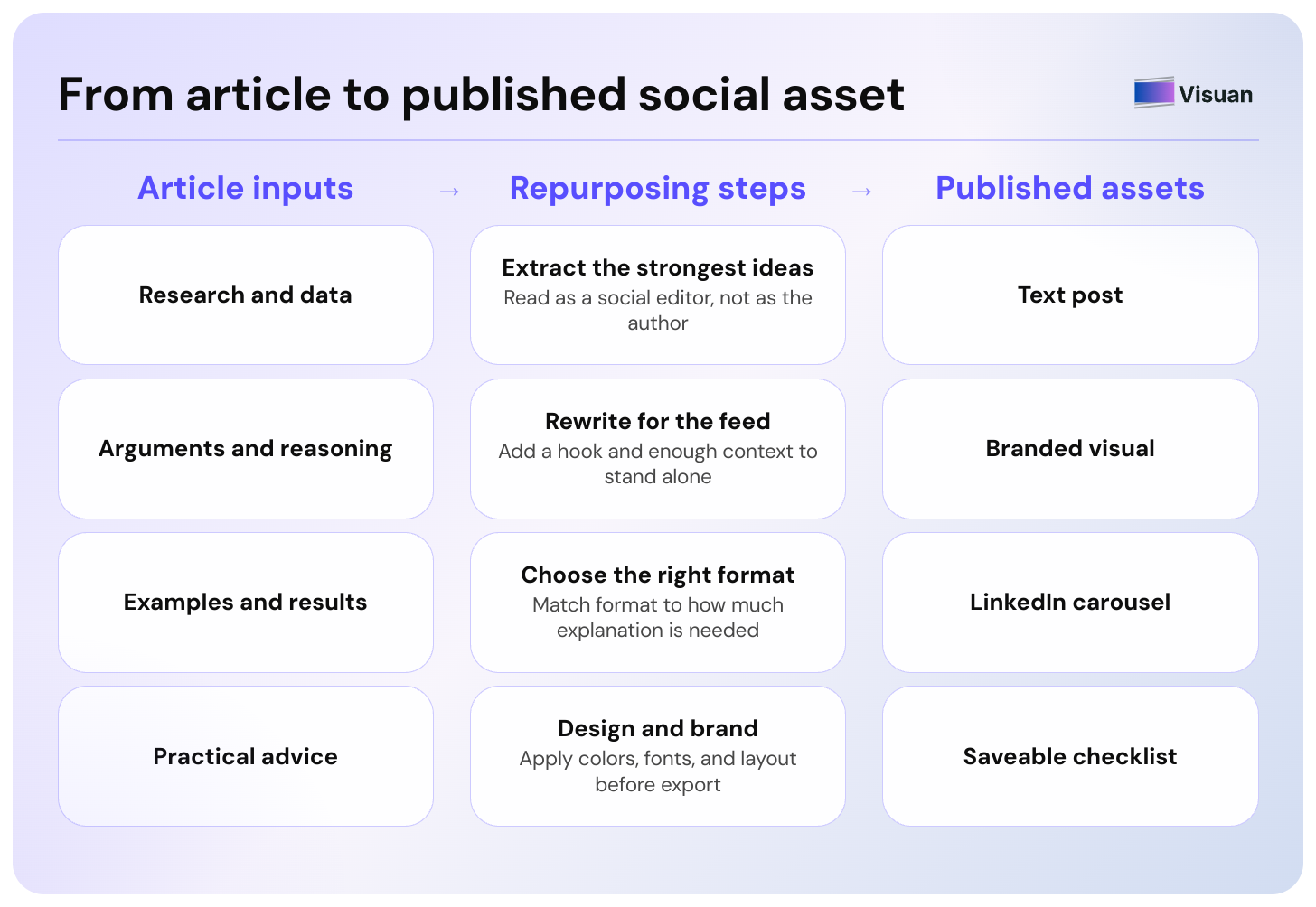
The manual process is straightforward: extract the strongest ideas, rewrite them for the feed, choose the right format, then design and publish each asset.
You can do all of this yourself.
Or you can keep the editorial decisions and let Visuan handle much of the production.
Paste your latest article into Visuan and see how many social posts and carousels are already hiding inside it. The free plan currently lets you try the workflow with three articles.👇
.png)


Subscribe to the Visuan newsletter
Get product updates and content tips, straight to your inbox.