.svg)

LinkedIn Carousels: The Complete Guide for B2B (2026)
LinkedIn carousels lead every organic format on engagement. Learn its best structure, the ideal slide count and where documents lose.

A LinkedIn carousel is a swipeable post made by uploading a document, usually a PDF. LinkedIn shows each page as a slide in the feed.
In 2026, this format has the highest organic engagement, averaging 7.00%. In comparison, single images get 5.30%.
What is a LinkedIn carousel?
A LinkedIn carousel consists of multiple slides that users swipe through. You create it by uploading a multi-page document, which LinkedIn converts into slides.
This definition is important because making a carousel has changed. In December 2023, LinkedIn removed the old native carousel for organic posts. Now, every slide-based post in the feed is a document upload.
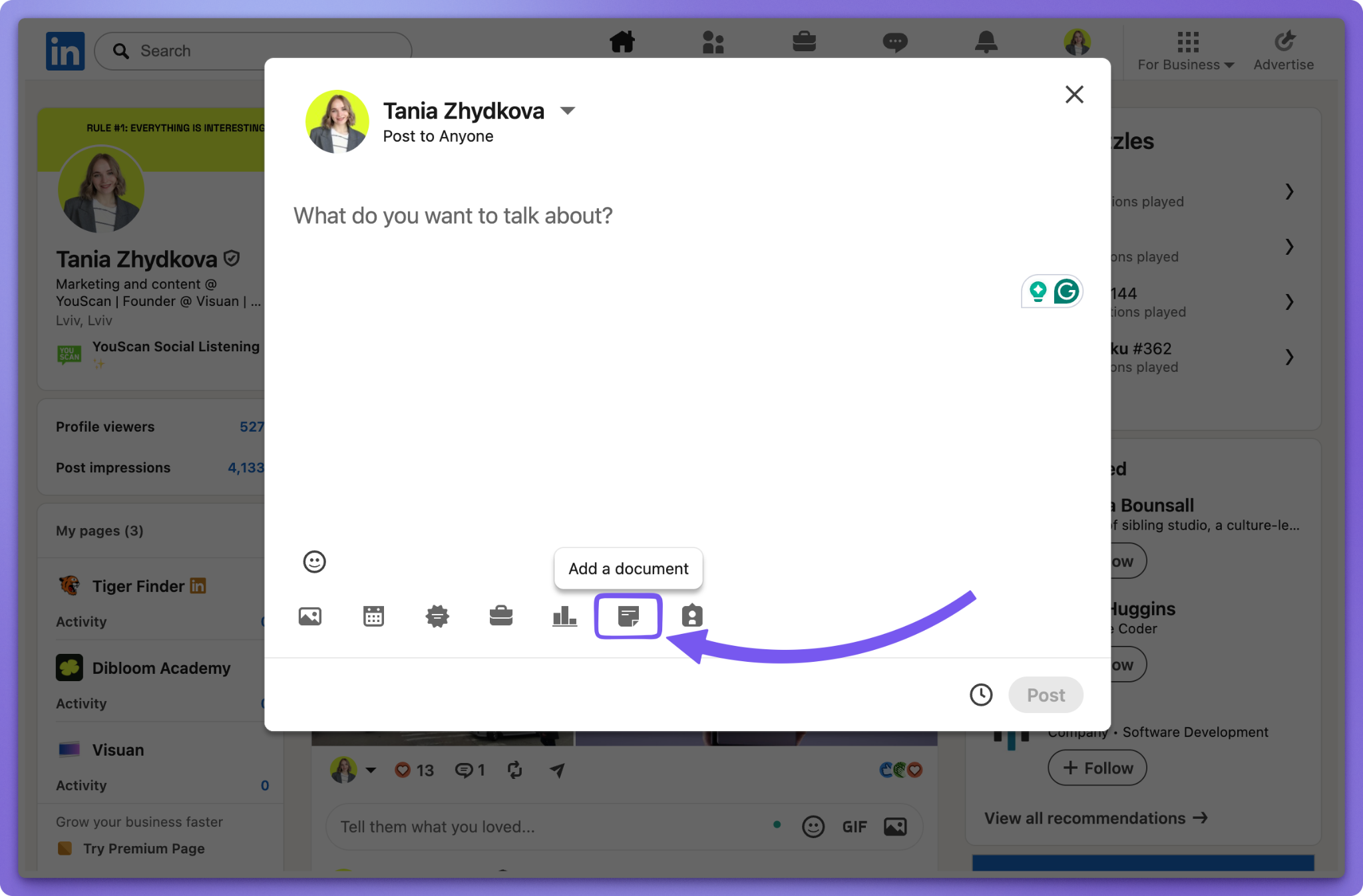
Which two carousel formats can you use in 2026?
There are two formats: the organic document post and the paid carousel ad. They share a name but differ greatly.
The file limits and sizes above come from LinkedIn's help documentation on document uploads. It also asks you to make sure every page is the same size.
For most B2B content teams, document posts are key. They're free, organic, and accept the PDF you already exported.
Are multi-image posts and LinkedIn carousels the same?
No. A multi-image post is an album of separate photos. Readers tap through it, rather than swipe through a designed sequence.
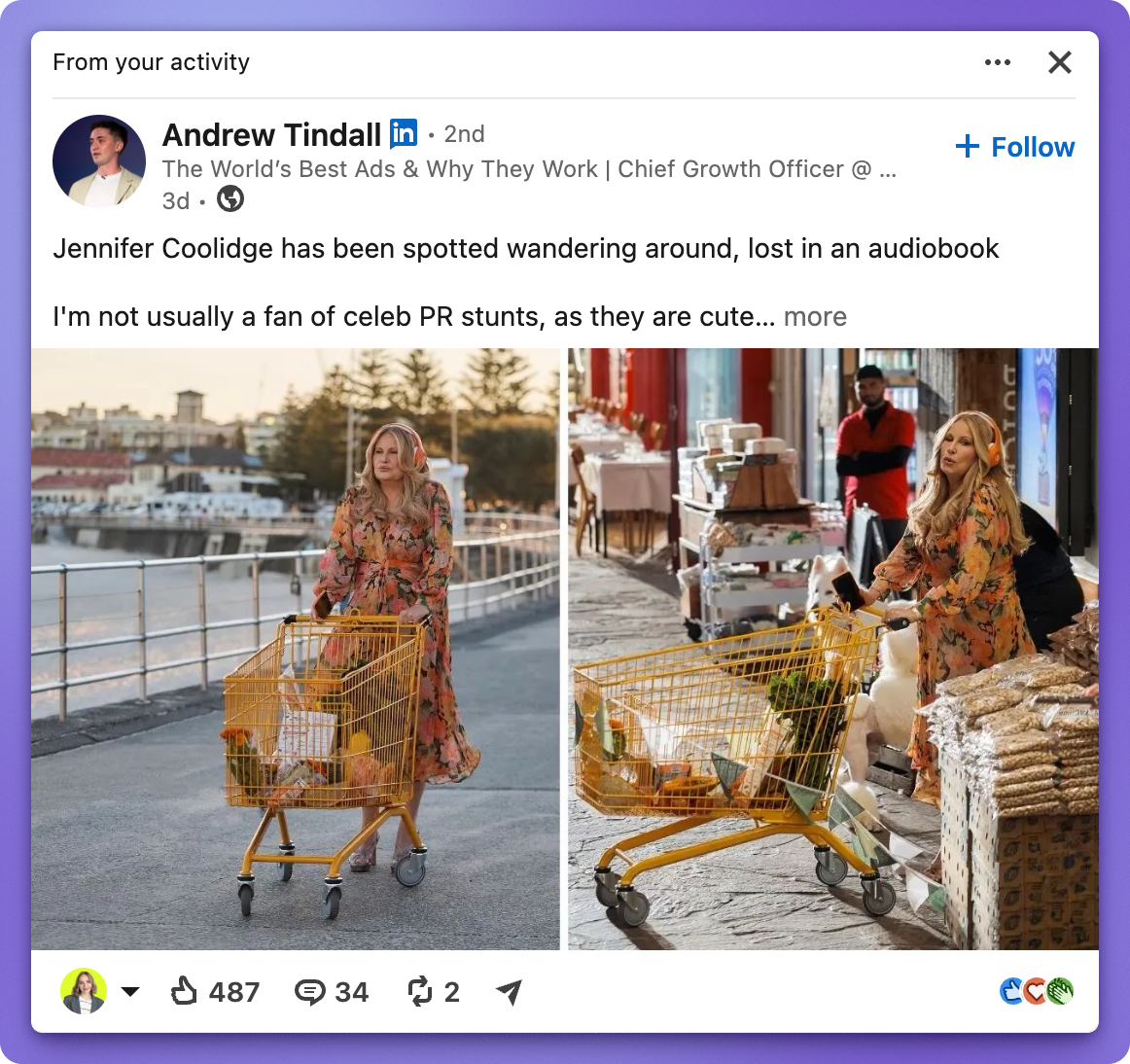
Keep an eye on it. Multi-image posts rank just below documents in engagement. They surpass documents in raw impressions for most page sizes, which I’ll discuss below.
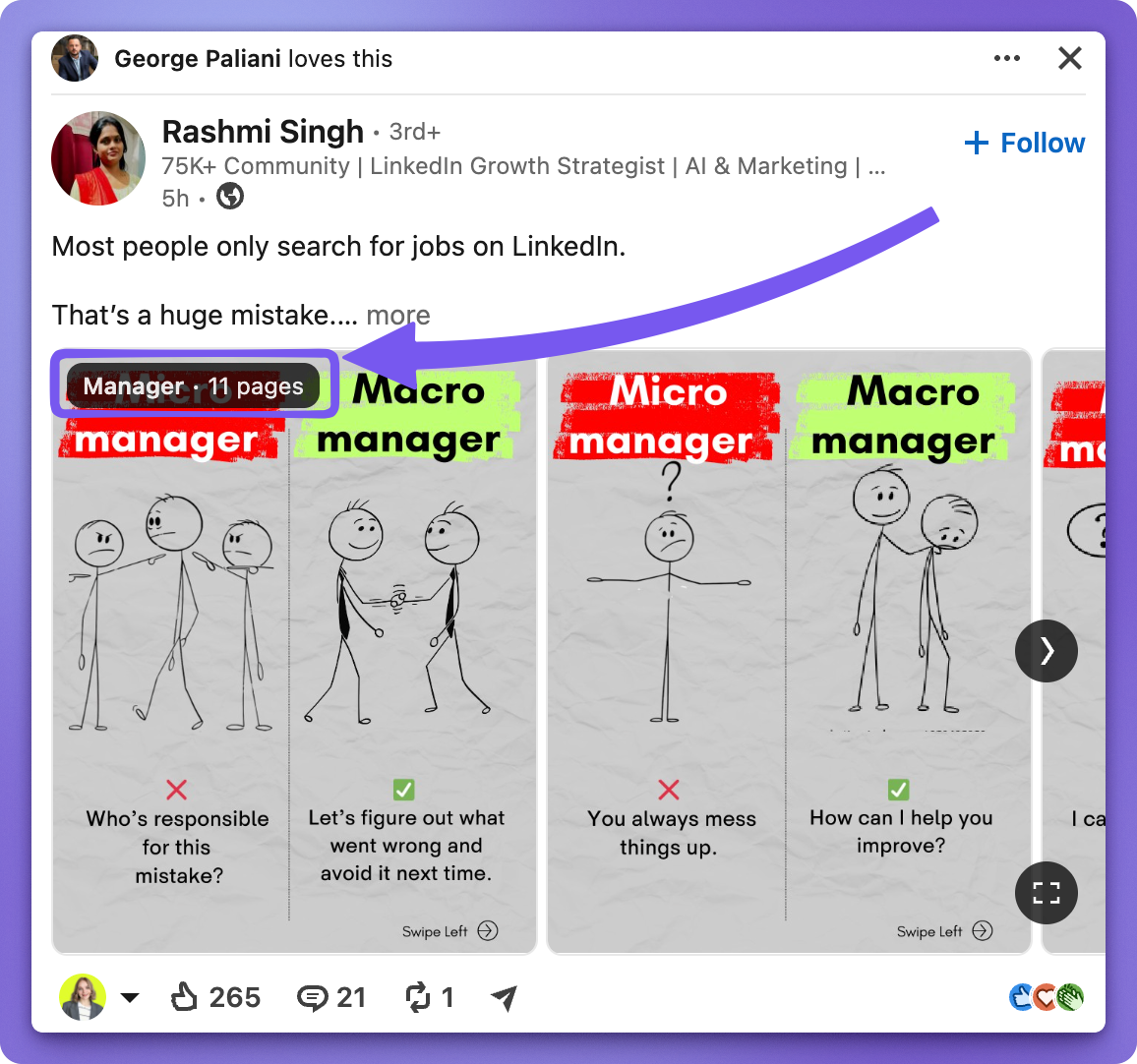
Why do LinkedIn carousels get more reach than a single image?
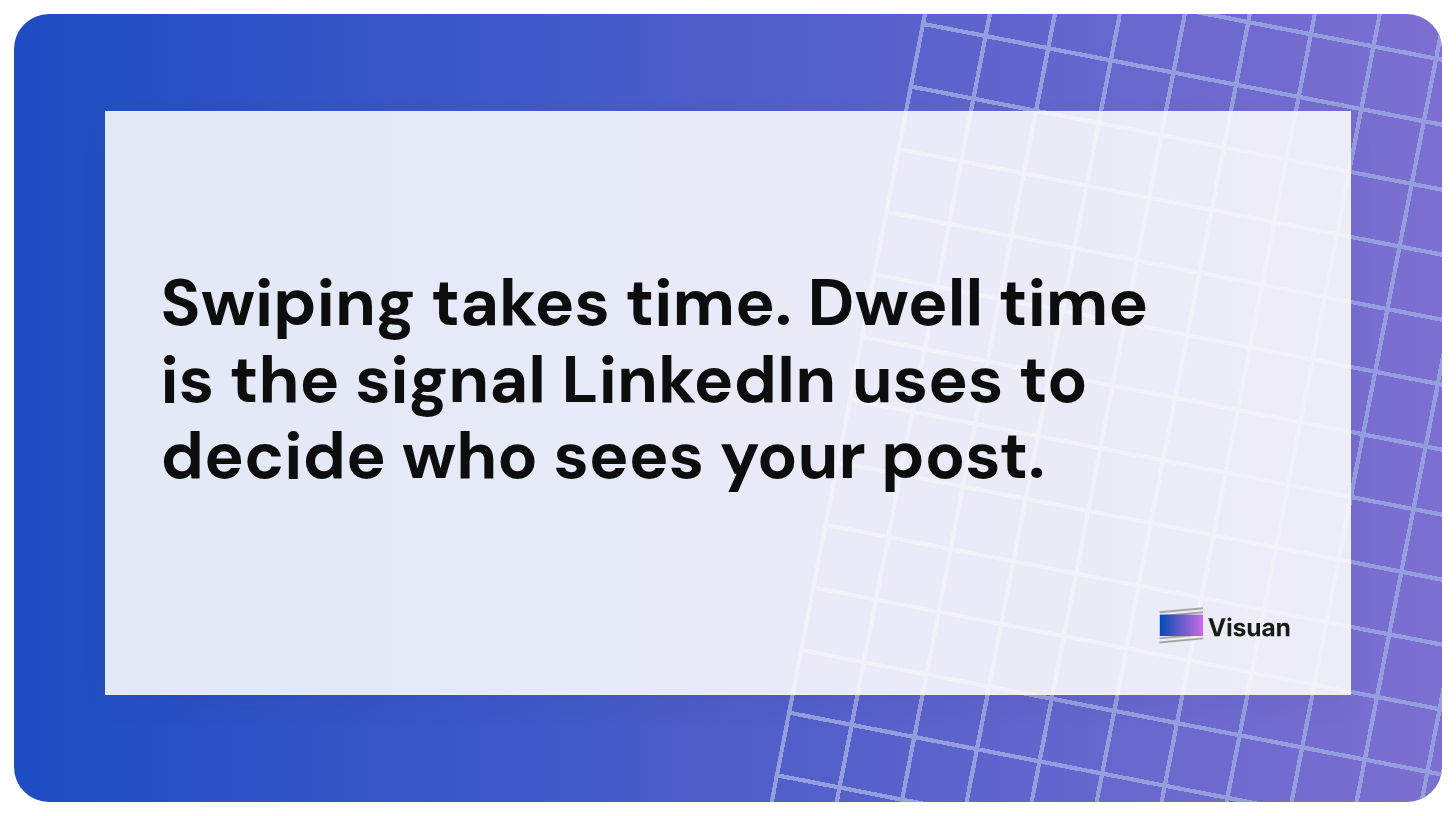
Carousels get more reach because swiping takes time. Dwell time is a key signal LinkedIn uses to determine who sees your post.
A single image offers one choice: react or scroll. A carousel gives eight or ten choices. Each swipe adds a few seconds of attention, which the feed sees as valuable.
The data backs this up. Socialinsider's 2026 LinkedIn Benchmarks, based on 1.3 million posts from 16,645 business pages, ranks native documents as the top format.
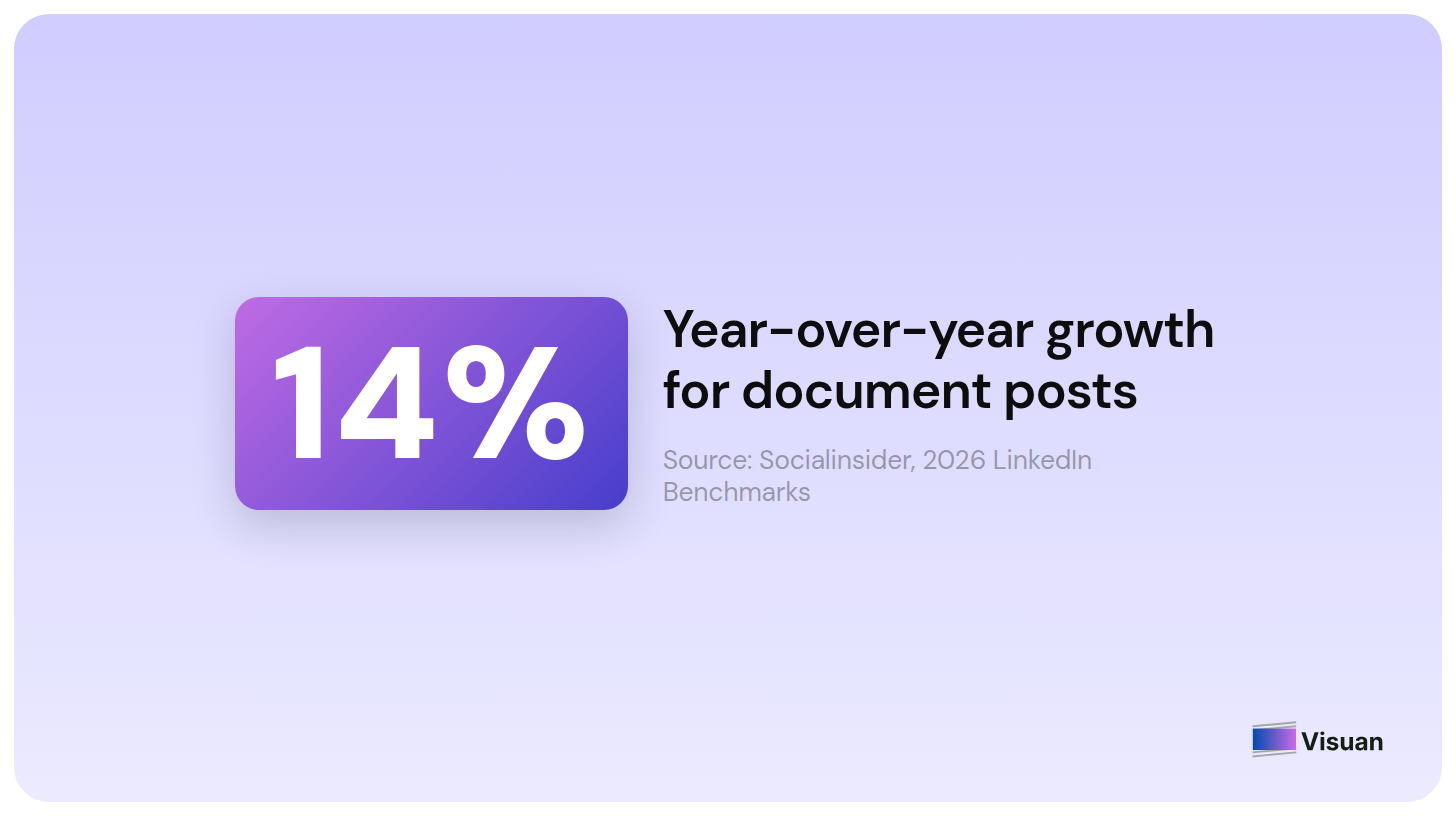
Documents also grew 14% year over year while the platform average sat at 5.20%. On a channel where video is supposed to win everything, the format that wins is a PDF. I love that.
What the reach data doesn't tell you
Many carousel guides miss an important point. This omission can mislead readers.
Documents perform well in engagement rates. However, they struggle with impressions once your page surpasses 5,000 followers.
There are two more important notes. Socialinsider's quarterly update shows documents dropping to 6.60% in Q2 2026, while multi-image posts rose to 6.90%. The report also clarifies that its 2026 figures are based on 2025 data.
Social Media Today's coverage raises another valid point: there are fewer document posts overall, which may skew comparisons.
This doesn’t mean carousels are a poor choice. Instead, they are a strong option you should evaluate based on your own page metrics.
For smaller pages, mostly B2B ones with under 5,000 followers, documents excel in both engagement and impressions. This format works well as you grow your audience.
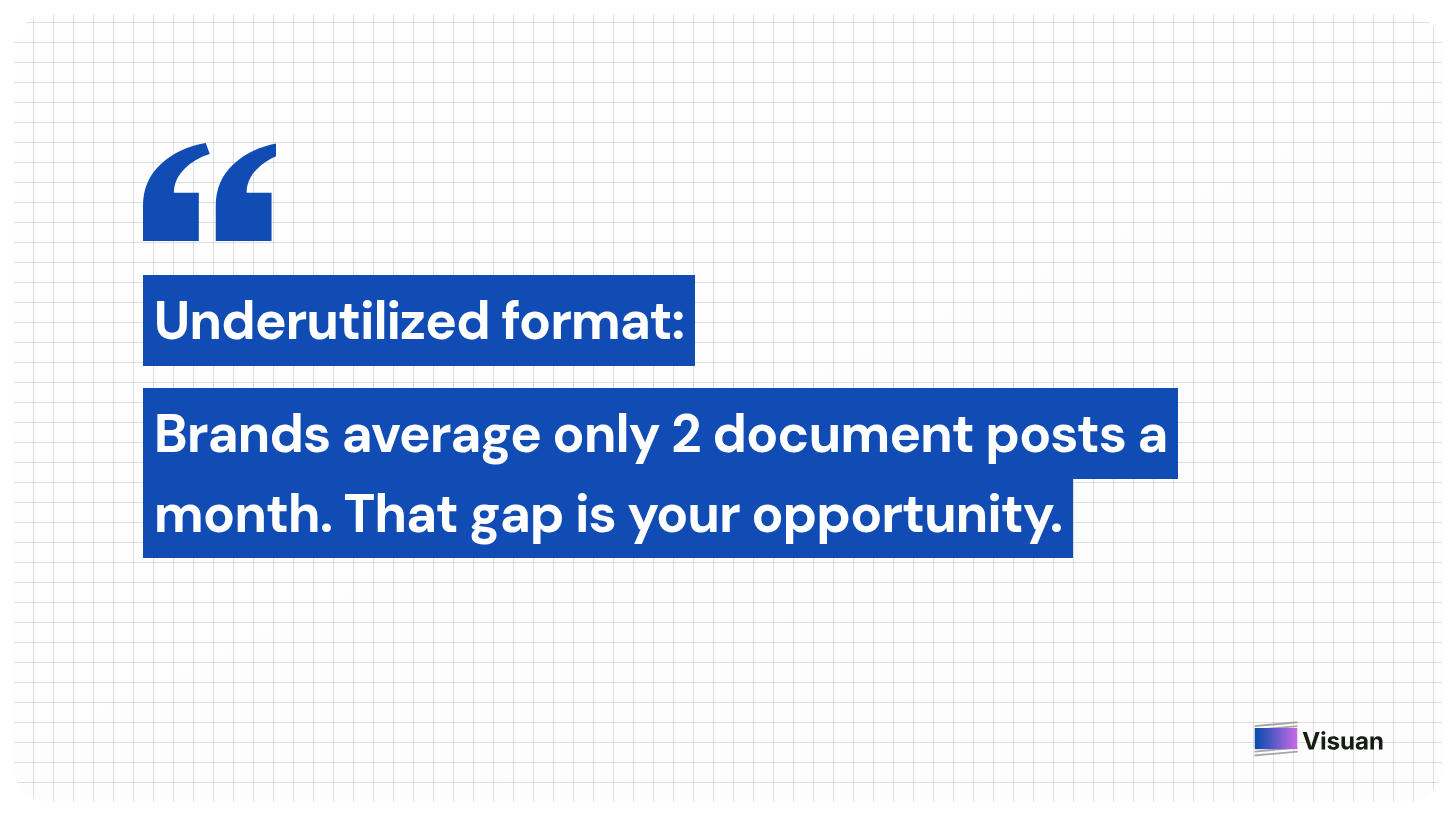
For larger pages, consider carousels for depth and multi-image for reach. Socialinsider found that brands average only two document posts a month, indicating the format is still underutilized.
💡 Pro tip:
Post the same core idea twice, once as a carousel and once as a text post, two weeks apart. Your own numbers will tell you more than any benchmark table, including this one.
What does a LinkedIn carousel post look like?
A carousel post has two parts: the document and the caption above it. Both are important, but many focus on just one.
Here’s the structure that works well in B2B feeds:
- Slide 1, the hook. Use a strong claim in large text. Avoid logos that take up space. This slide competes with everything else in the feed.
- Slides 2 to 8, the substance. Share one idea per slide. If a reader has to reread, it means there are two ideas on that slide.
- Final slide, the payoff. Provide a summary or a next step. Gently ask for a follow or comment here.
- The caption. Use three or four lines that reveal value, not tease it. Curiosity gaps often seem like spam now.
- The first comment. Place your link here. Link posts typically rank low in engagement.
Design for mobile. Most viewers read on narrow screens between meetings. Make sure body text is under 24 pixels to remain visible. Test it on your phone before uploading.
How do you plan a B2B carousel that people finish?
Start with one idea and one audience, then trim down. Completion rate matters most, so fewer slides help.
LinkedIn allows up to 300 pages, but using more than ten is rarely necessary. A tight sequence of six strong slides often beats fifteen slides filled with fluff.

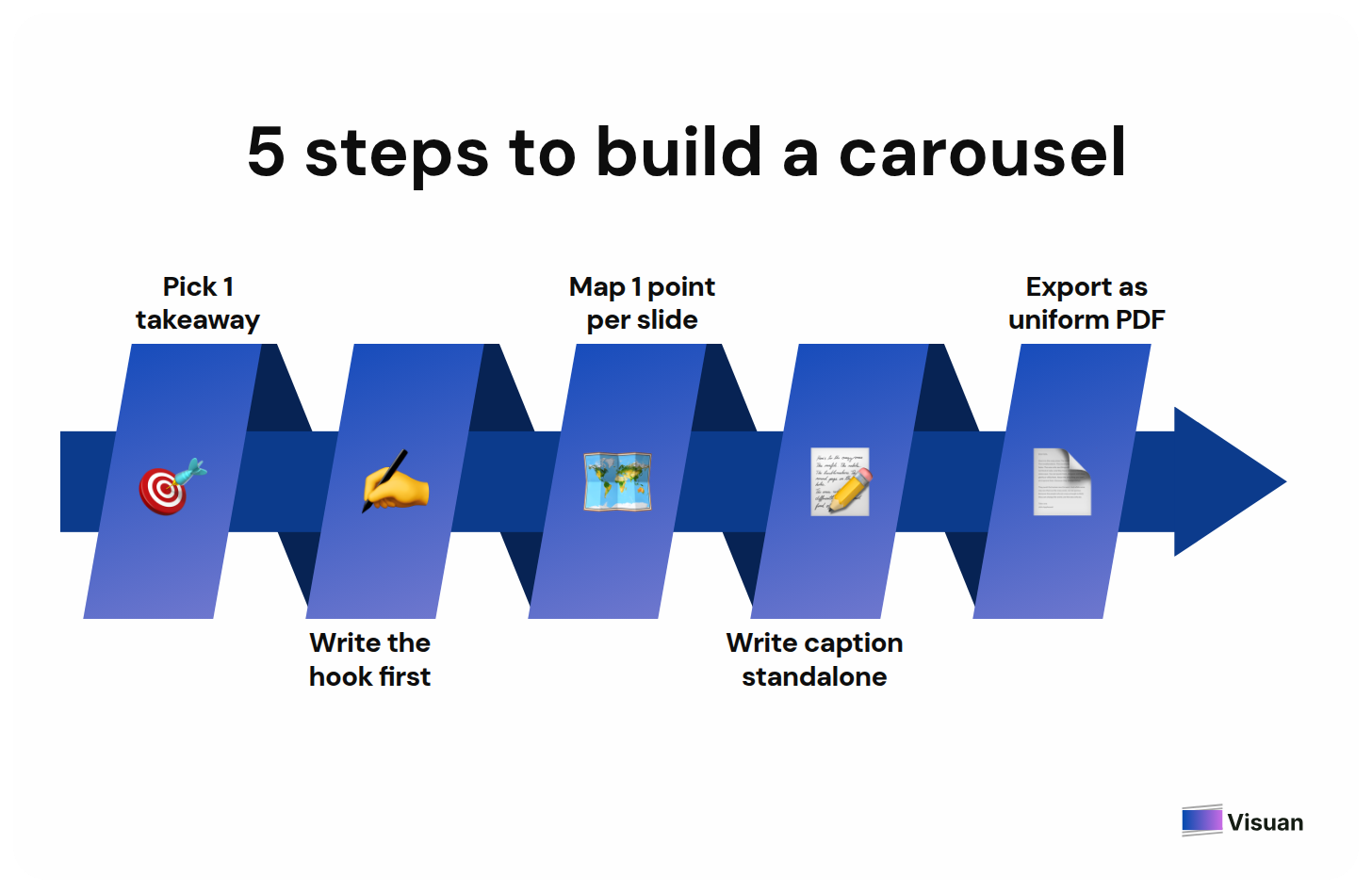
Here are five effective steps:
- Pick one takeaway. Write it as a single sentence before designing. If you can’t, the carousel isn’t ready.
- Write the hook first. Your claim on slide 1 determines if people see the rest.
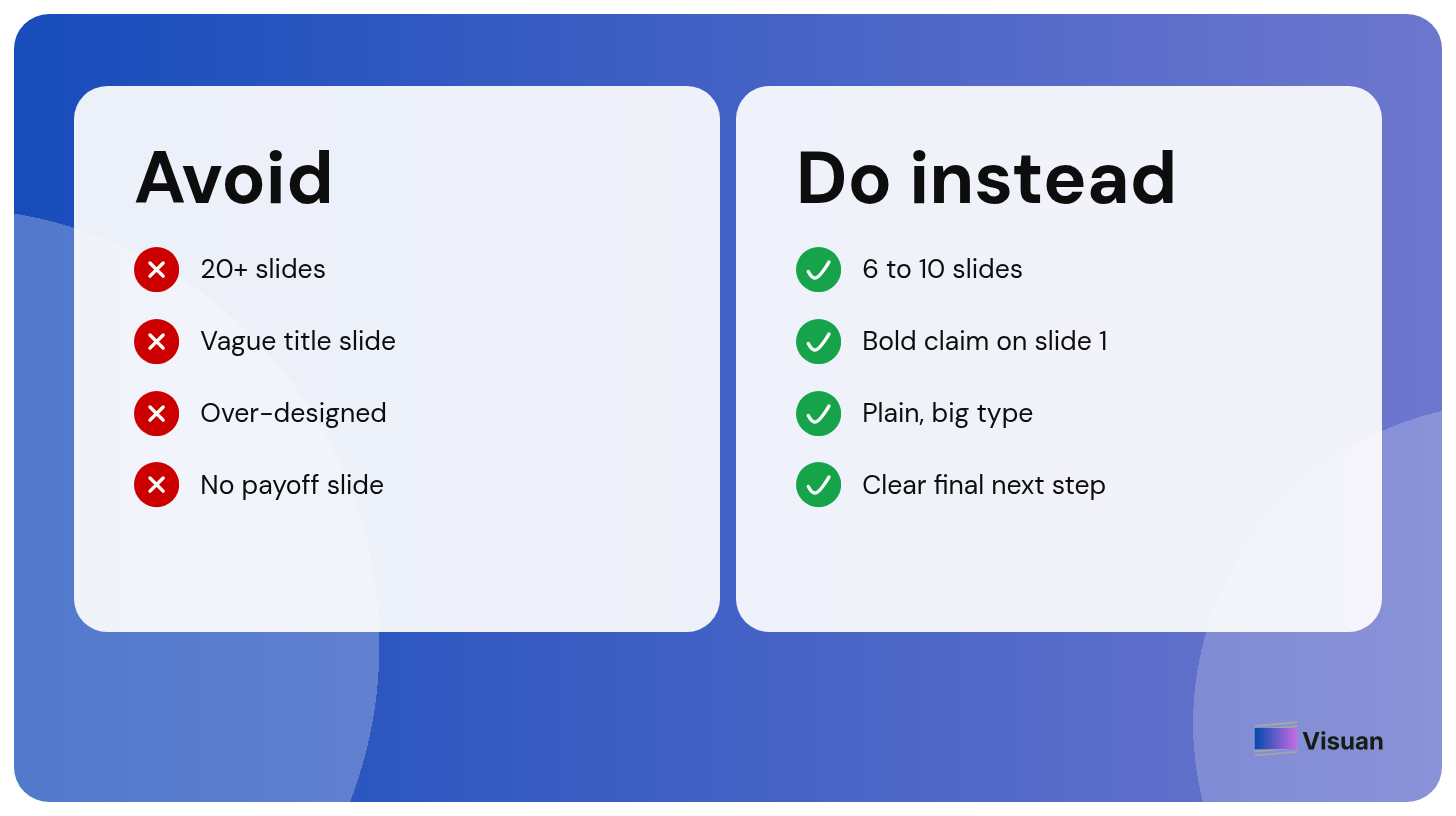
- Map one point per slide. Number them on paper. Stick to six to ten slides.
- Write the caption as a standalone post. It should make sense even if no one swipes.
- Export as PDF, keeping the same page size. Mixed sizes lead to upload issues.
Ready to skip the manual design step? Use Visuan for free and turn your last article into a carousel in one click, automatically.

How do you turn a blog post into a LinkedIn carousel?
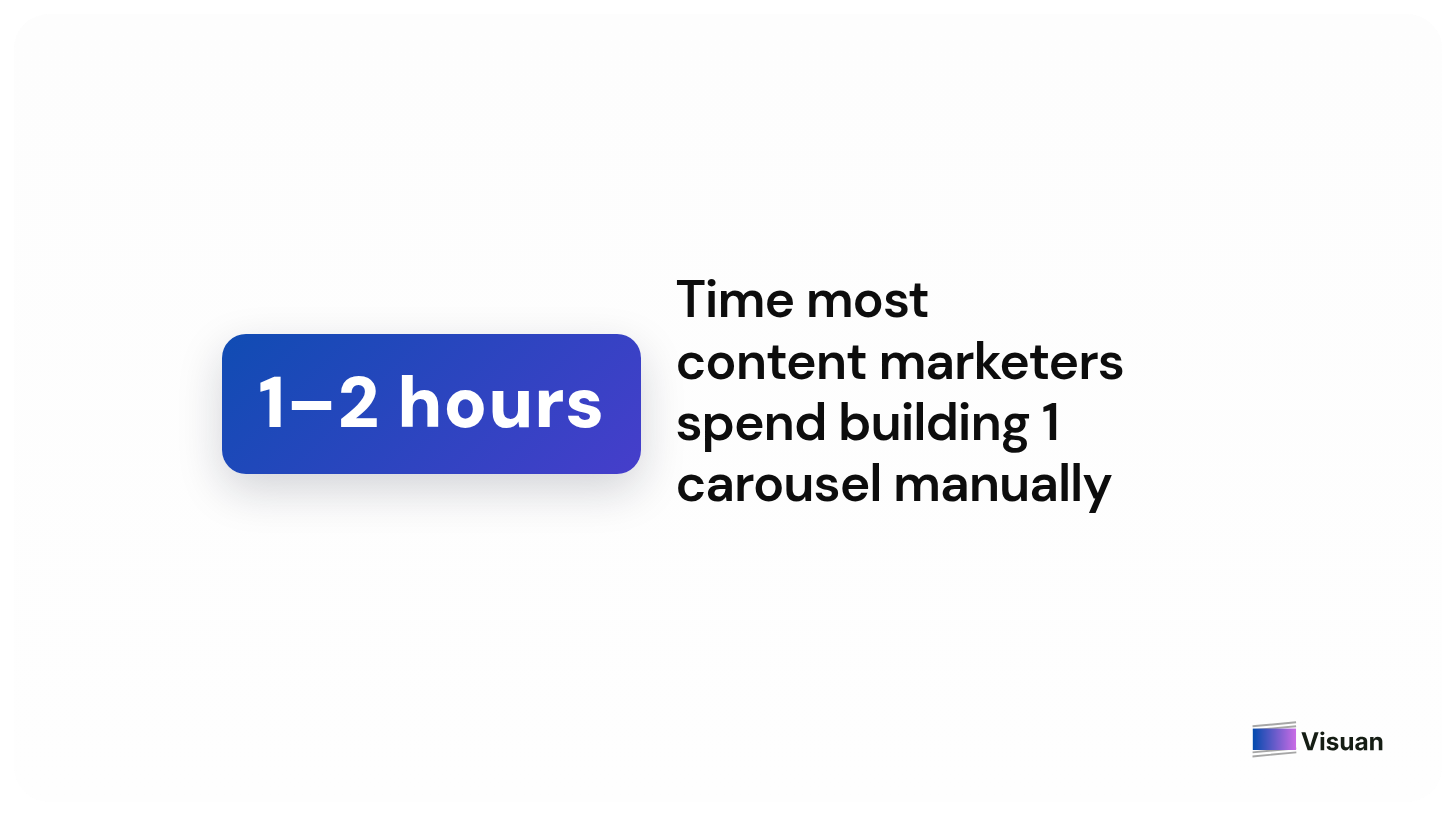
Extract key points from the article, write a hook for each, then design the slides and export a PDF. Manually, it takes most content marketers one to two hours per carousel.
In 2026, it’s hard to justify that time. You’ve made decisions while writing the article. The layout time that follows is something a tool should handle.
Visuan is an AI platform that transforms a finished B2B article into branded images and a LinkedIn carousel in one click.
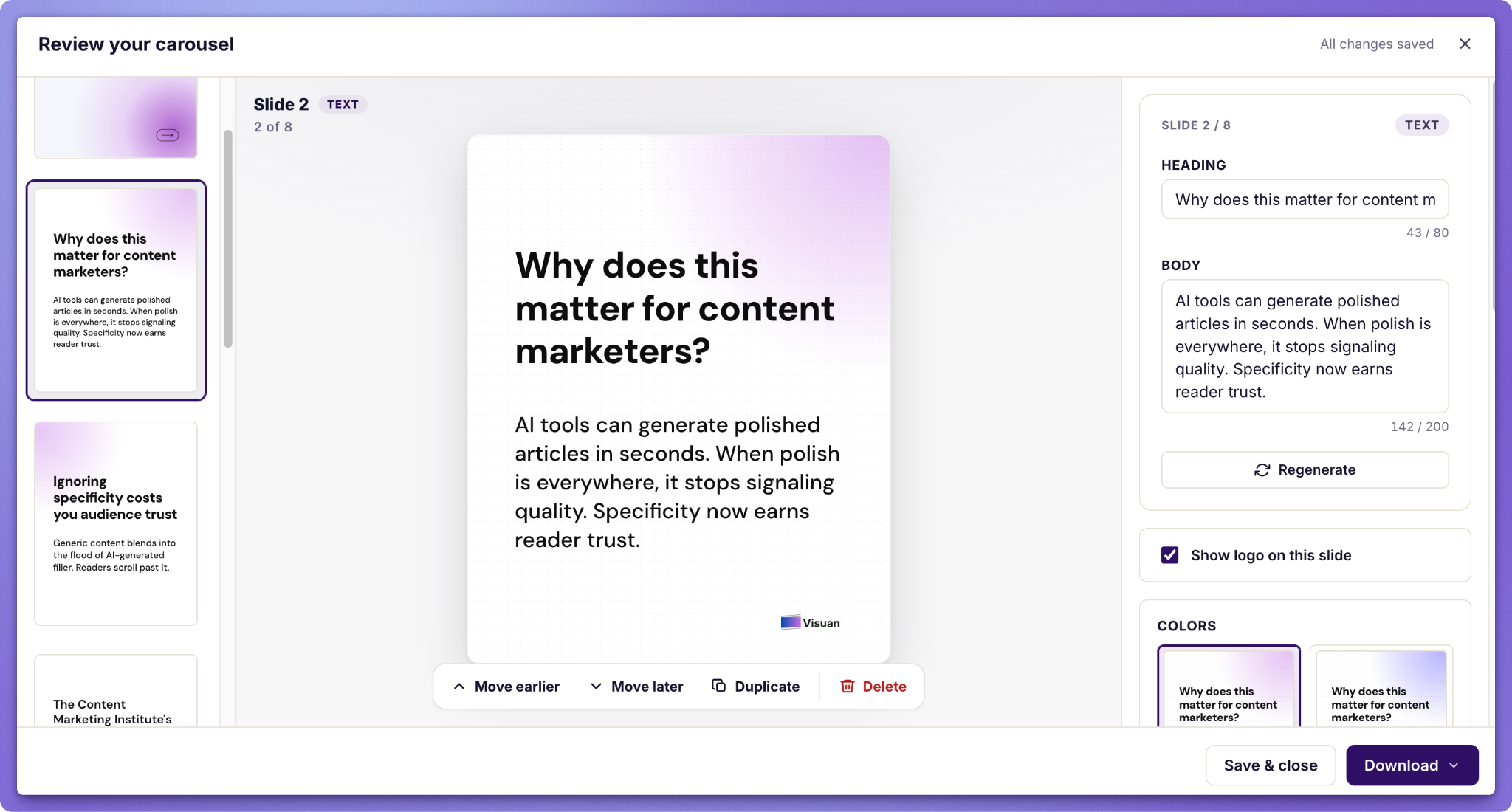
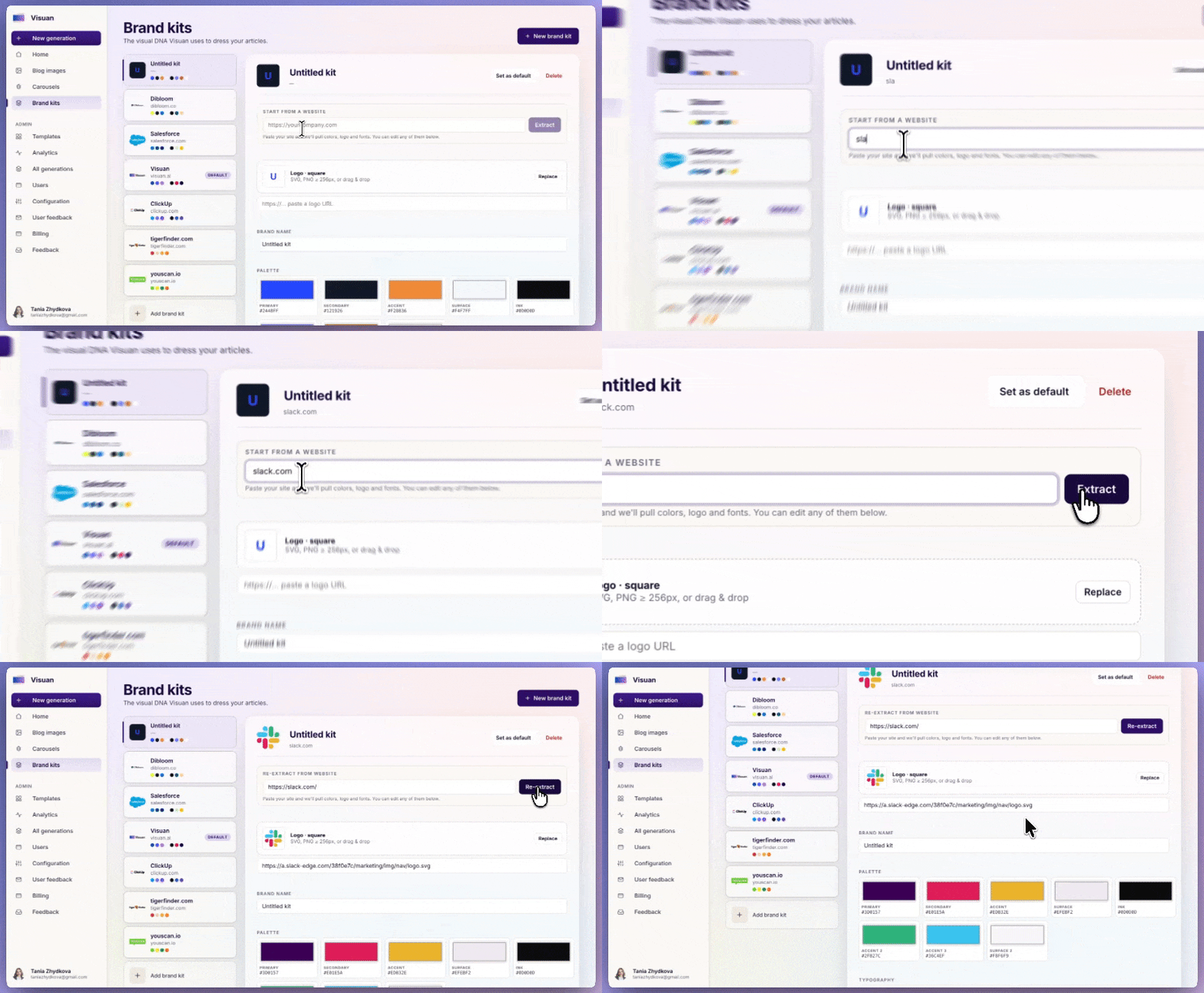
Just paste the draft. Visuan reads the entire article and extracts slide-worthy points. Captions are written for each visual, and your brand kit is applied automatically.
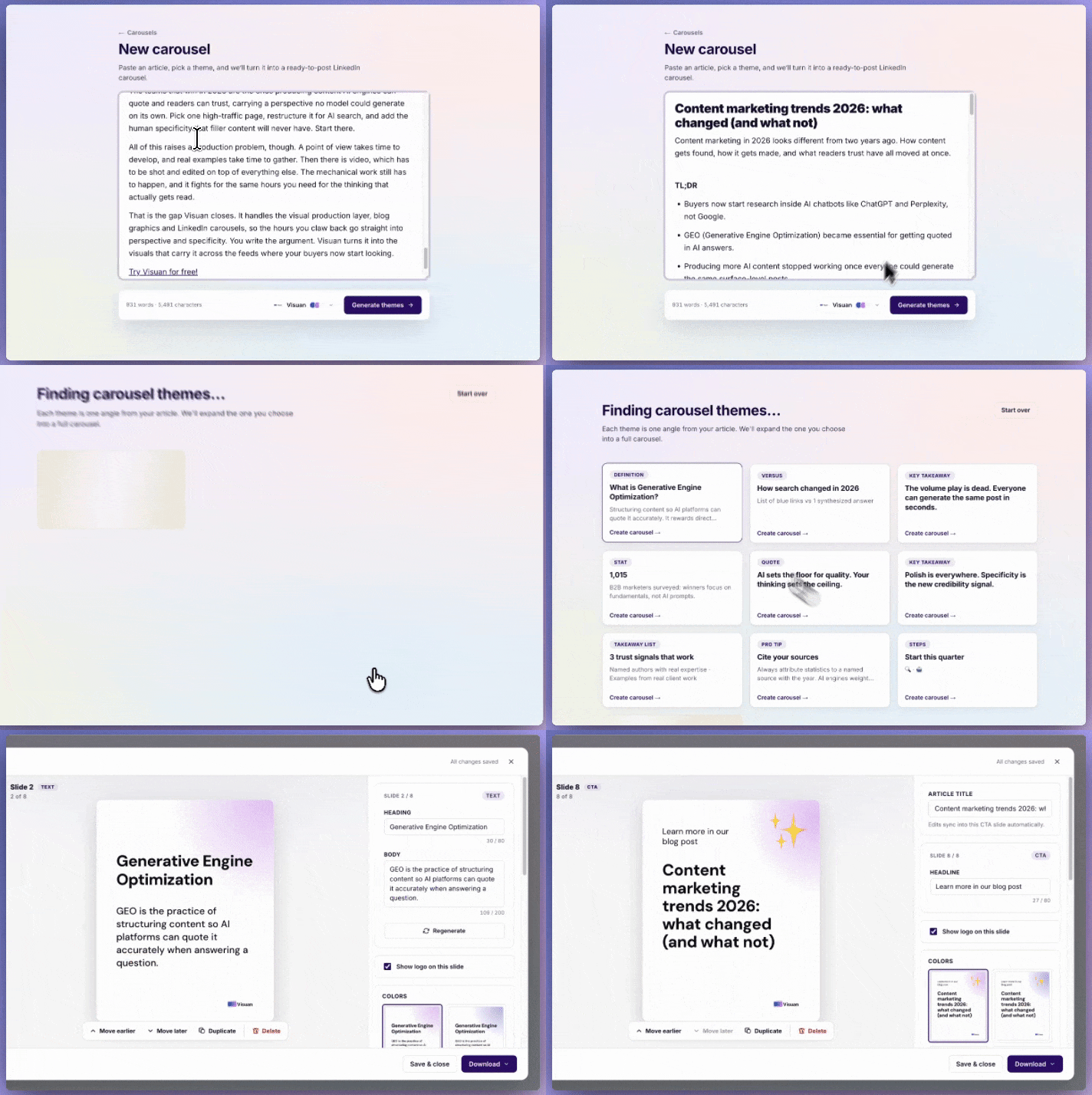
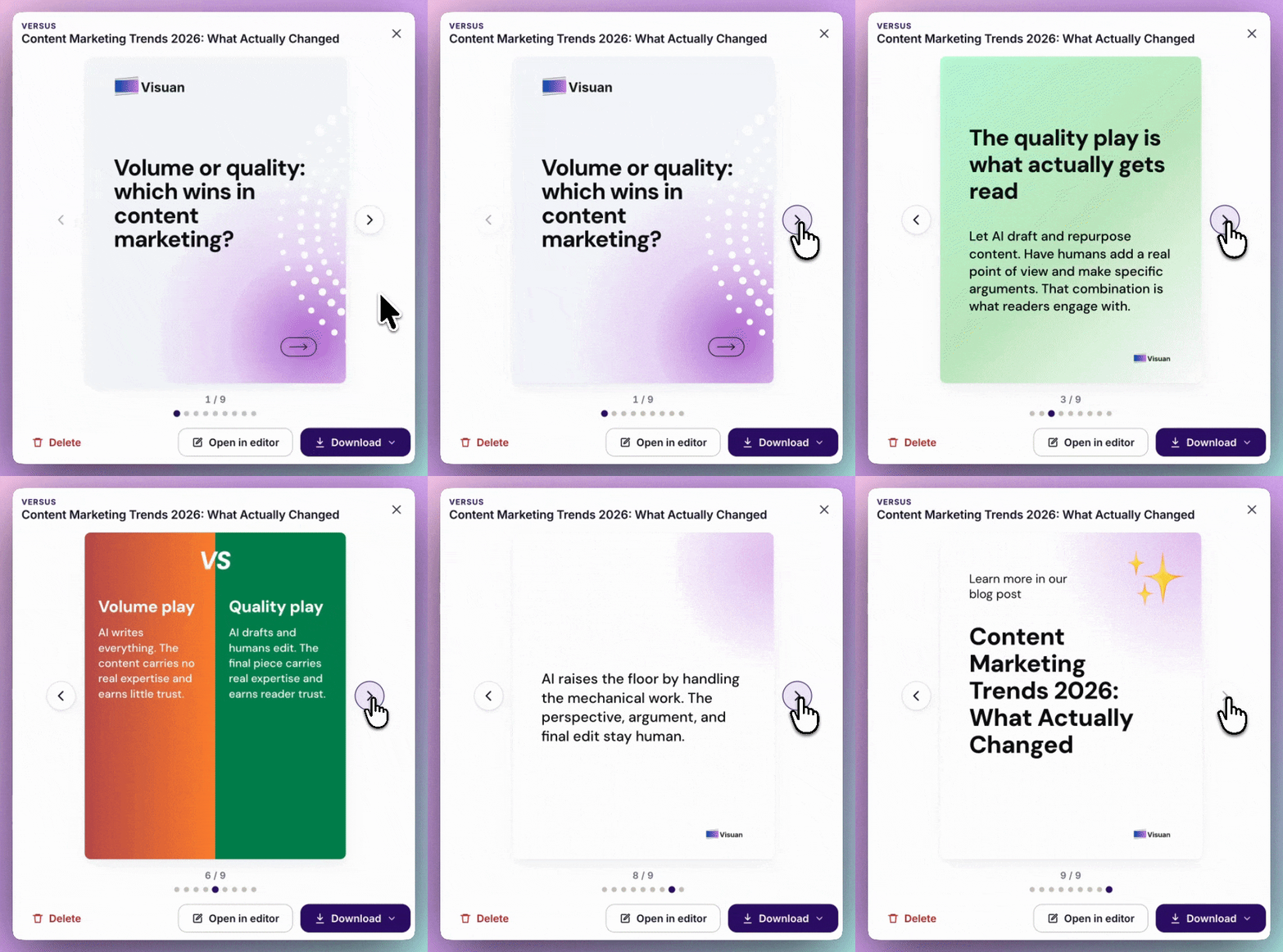
The output is solid. One 1,800-word draft produced eight blog visuals and five LinkedIn carousels in 40 seconds. The carousels are exported as PDFs in the correct format for LinkedIn. On the Pro plan, that comes to $3.95 per article.
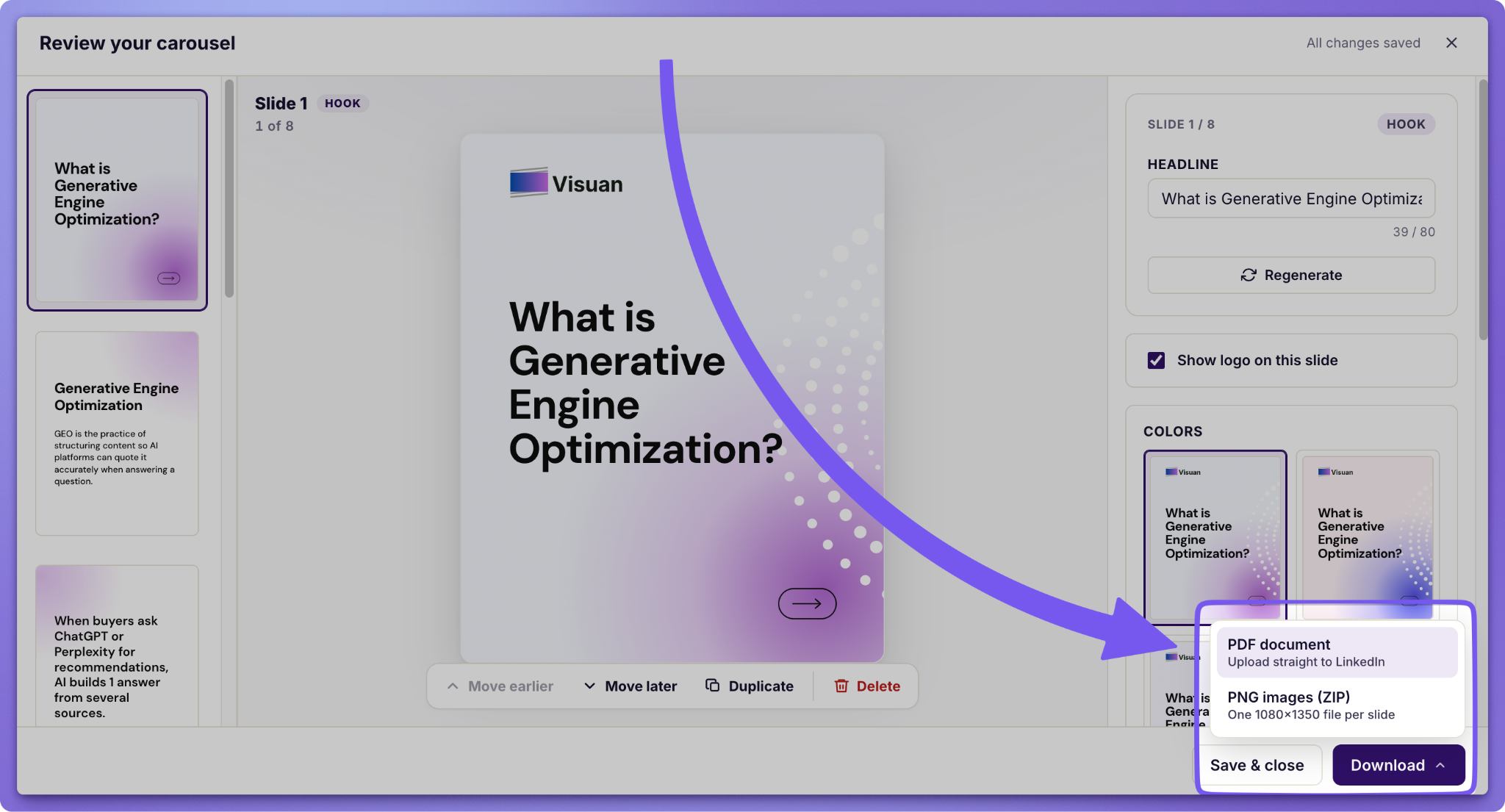
Two key details matter more than speed:
- Every visual comes in layers. Change a caption or swap a stat without regenerating the entire image.
- The brand kit is automatic. Your logo and colors come from your website, ensuring consistency across slides.
What mistakes kill B2B carousel performance?
The most common failure is a carousel with no single idea, followed closely by one with too many slides. Both come from treating the format as storage rather than as a sequence.
The ones I'd watch for:
- 20 slides because the article was long. Split it into two carousels. Completion rate falls off a cliff past ten.
- A title slide that says nothing. Category labels are not hooks. Put the claim on slide 1.
- Type that only survives at full size. The in-feed render is small on every device now. Keep body text near 18 pt and never below 14 pt.
- Mixed page sizes in the PDF. LinkedIn asks for uniform pages, and inconsistent exports break the render.
- No payoff slide. People who swipe to the end are your warmest readers. Give them somewhere to go.
One humble opinion, freely offered: I think most B2B carousels are over-designed and under-edited. Gradients don't rescue a weak claim.
The slides that work hardest are usually close to plain. Big type, one sentence, enough white space that a reader's eye lands somewhere specific. That's it.
Your article already contains a carousel
Everything a good B2B carousel needs is sitting in the piece you just published. The claim, the structure, the proof points. What's missing is an hour you don't have.
Carousels are the highest-engagement organic format on LinkedIn right now, and the cost of publishing one should be a click rather than an afternoon.
Start for free and see what Visuan generates from your last article. No card needed.
Frequently asked questions
Can you still post carousels on LinkedIn?
Yes. LinkedIn retired the native organic carousel post in December 2023, so you now create carousels by uploading a multi-page document that LinkedIn renders as swipeable slides.
What file type should you upload?
PDF. LinkedIn accepts PowerPoint and Word files too. PDF locks your fonts and layout, so the slides look the way you designed them.
How many slides should a LinkedIn carousel have?
Six to ten for most B2B topics. LinkedIn's cap is 300 pages, though completion rate drops sharply on longer documents.
Do carousels outperform video on LinkedIn?
On engagement rate, yes. Socialinsider's 2026 benchmarks put native documents at 7.00% against 6.00% for video, though video still wins on raw view counts for large pages.
Are LinkedIn carousel ads different from carousel posts?
Yes. Carousel ads are built in Campaign Manager, use images rather than documents, cap at 10 cards, and can carry a separate link on every slide.
How do you generate a LinkedIn carousel with AI?
Paste a finished article into Visuan AI carousel generator and it turns the key points into slides in your brand style. Visuan exports the result as a PDF in the format LinkedIn accepts, in one click.
.png)


Subscribe to the Visuan newsletter
Get product updates and content tips, straight to your inbox.